Skip to content

Hotel Lobby AI Video Generator

Turn two portraits or a group photo into a rap duet with Hotel Lobby AI. Use the orange studio template or your own music or reference video, then review the result before unlocking it.

Add your photos

Choose clear, well-lit portraits. The two photos can be taken separately.

Upload photoLeft performer
Upload photoRight performer

Drag and drop, or click to choose.

JPG, PNG or WebP · up to 10 MB each
Standard · 720p · 10s · 9:16Change model, resolution, length or format9 credits
Quality and length
Model
Resolution
Length
Format

Credits are confirmed before generation. All formats cost the same.

Upload two photos to continue.

This video: 9 credits ·

By creating, you confirm you have permission to use both photos. Terms of Service

Example video

Want the full video?

  • Your full performance, at your chosen quality
  • No watermark — download and share
  • Pay once, or subscribe for more videos — your choice

Loading plans


Video counts are based on Standard · 720p · 12s (10 credits).

THE PHOTOS. THE PERFORMANCE.

Hotel Lobby AI video examples

Hotel Lobby AI turns photos into rap videos inspired by Quavo and Takeoff’s “Hotel Lobby” performance on A COLORS SHOW, known for its orange studio. Related videos also appear under the names Migos AI and AI rap duo.

See how source photos become Hotel Lobby duets, or explore a performance driven by custom audio.
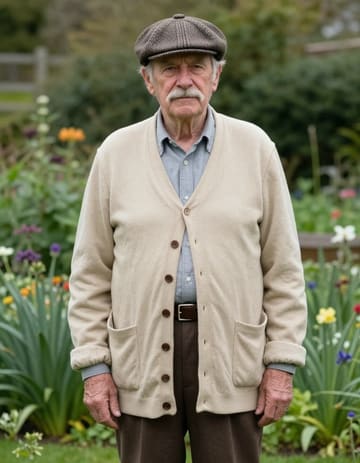
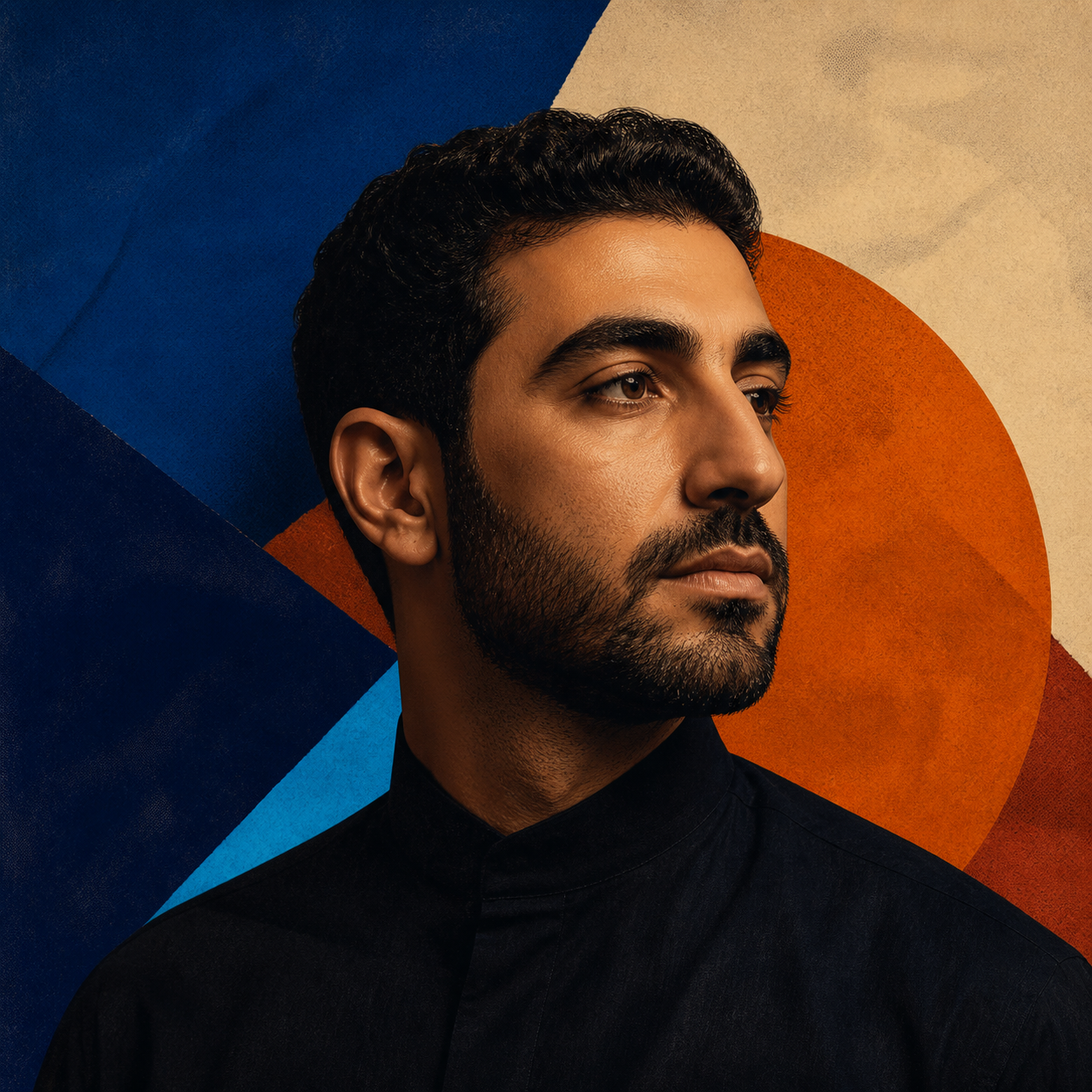
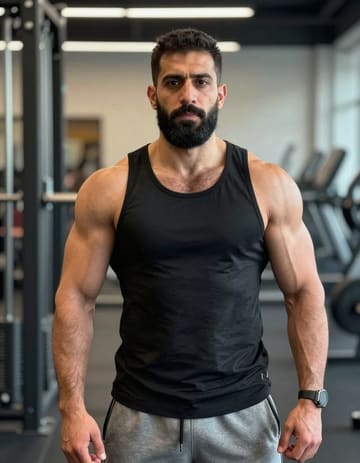
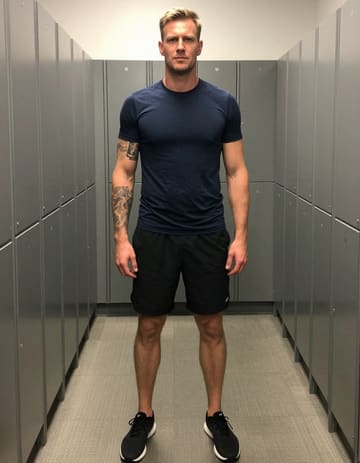
First source portrait for A Hotel Lobby Duet with FriendsSecond source portrait for A Hotel Lobby Duet with Friends
Source Photos

A Hotel Lobby Duet with Friends

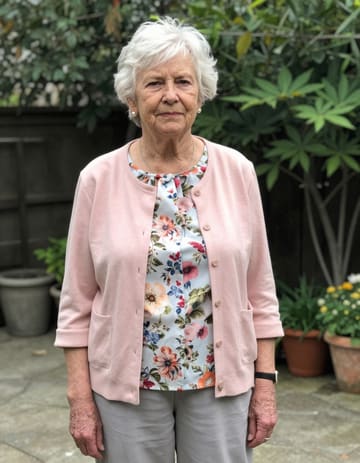
First source portrait for Grandparents Take on Hotel LobbySecond source portrait for Grandparents Take on Hotel Lobby
Source Photos

Grandparents Take on Hotel Lobby

Source album artwork used in the singing example
Source Photo + Your Audio

Your song. A face to match.

Listen to the source audio
FROM PHOTOS TO PERFORMANCE

How to Use Hotel Lobby AI

Your photo
Their photo
01

Add Your Materials

Upload two portraits or a group photo to Hotel Lobby AI. Use the built-in template, or add your own reference video or audio.

Your performance
LeadSupport

Create your preview

02

Create Your Preview

Choose the two performers and their roles for your Hotel Lobby video. Keep the default settings or customize them, then review the preview before unlocking it.

MP4
03

Unlock, Edit, and Download

Like your preview? Unlock the full HD video without a watermark. Trim or combine clips, adjust the audio, and download your MP4.

Hotel Lobby AI runs in your phone or desktop browser. Generation happens in the cloud, with no software to install.
YOUR PEOPLE. YOUR CREATIVE CHOICES.

Why Choose Hotel Lobby AI

Plan Your Hotel Lobby Performance

Choose Your Performers and Roles
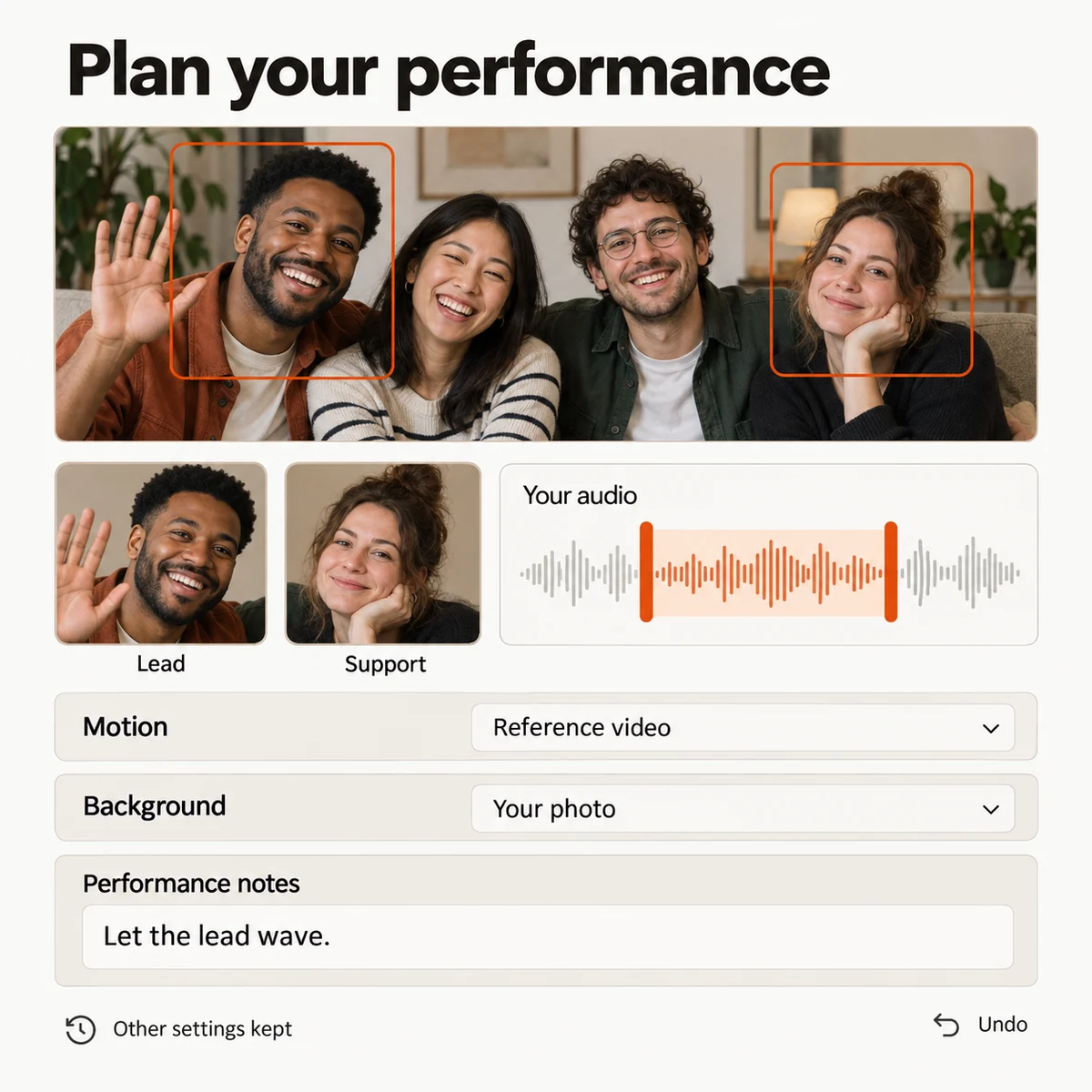
Choose who leads your duet in Hotel Lobby AI. Upload two portraits or select two people from a group photo, then set their roles and left or right positions.
Use Your Own Video or Audio
Use your song, voice recording, or reference video in Hotel Lobby AI. Make your performers sing, speak, or follow the reference motion. Preview the material and choose a section.
Control the Motion and Background
Choose motion and background separately for your Hotel Lobby video. Use a reference video to guide movement, take the background from your photo or video, and describe each performer's actions, props, and appearance.
Update Your Settings Without Starting Over
Change a role, action, or instruction in your Hotel Lobby AI project while keeping other saved settings. Review changes and undo them when needed.
Interface concept showing two people selected from a group photo, lead and support roles, an audio segment, separate motion and background sources, and undo.
Interface Preview

Finish Your Hotel Lobby Video

Create Multiple Videos in One Batch

Use Hotel Lobby AI to animate a photo collection or create several performances in one batch. Reuse settings, customize individual items, and track each result separately.

Turn Your Clips into a Complete Video

Combine Hotel Lobby clips with your own footage. Get an automatic first cut, then adjust the clip order, trim footage, add music, and choose color presets and transitions.

Trim or mute a finished clip without generating it again.

See What Your Budget Covers

See generation costs, how many generations your balance covers, and batch totals in Hotel Lobby AI. Set a spending limit before submitting.

Track Tasks and Download Saved Videos

Track your Hotel Lobby videos from submission to download. Return later to check progress, reuse settings for failed tasks, and preview or download completed videos during the storage period.
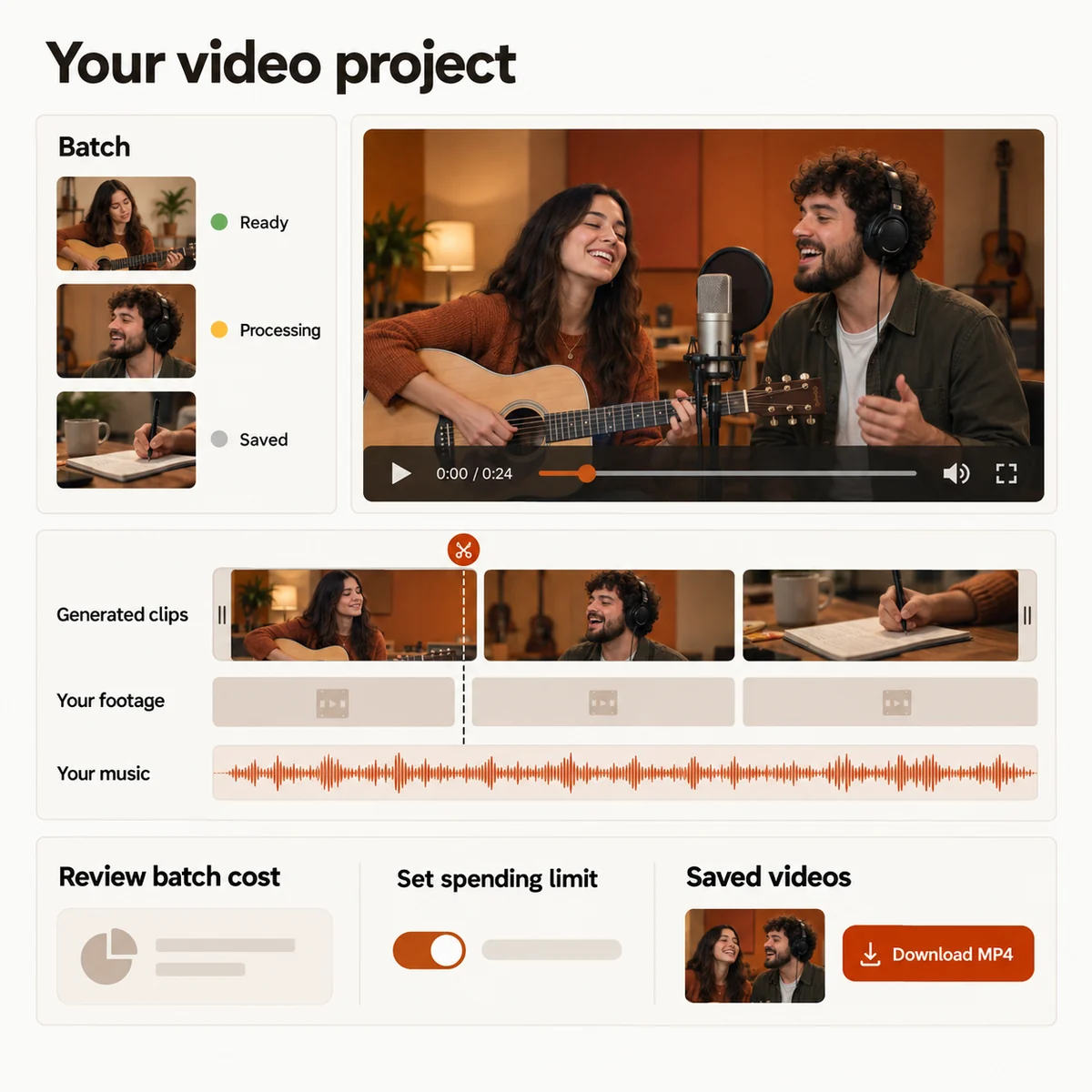
Interface concept showing batch tasks, a timeline combining generated clips and personal footage, a music track, budget controls, and saved MP4 downloads.
Interface Preview
MAKE SOMETHING WORTH SHARING

What You Can Create with Hotel Lobby AI

01

Hotel Lobby Videos with Friends or Partners

In Hotel Lobby AI, cast yourself and a friend or partner in a rap duet. Share your version of the trend with friends or on social media.

02

Performances with Your Own Audio

Make the person in your photo sing or speak using your song or voice recording. Choose an audio section in Hotel Lobby AI and create a short performance to share.

03

Birthday Videos from Your Photos

Animate photos from different years with Hotel Lobby AI, then bring them together with music. Make a birthday gift for a friend or family member.

04

Music Videos with Your Own Footage

Combine your own footage with scenes from Hotel Lobby AI and your music. Arrange and trim the clips into a complete music video to publish or share.

YOUR NEXT PERFORMANCE

Hotel Lobby AI Pricing

A standard 720p, 12-second Hotel Lobby video costs 10 credits. Choose a one-time pack or a subscription, and see the credit cost before generating.

  • MP4 downloads
  • No preview watermark
  • See credit costs before generating

Loading plans


One-time credit packs

Pay once. Create at your own pace. Credits never expire.

Loading credit packs


Video counts and per-video prices are based on Standard · 720p · 12s (10 credits).

Secure checkout by Stripe · Packs never expire · Subscriptions renew until canceled

What a video costs

Credits per 12-second video. Length scales the price, rounded up to a whole credit. All formats cost the same.

Video credits by model and resolution, per 12 seconds
Model480p720p1080p
StandardSeedance 2.0 Mini5 credits10 credits—
FastSeedance 2.0 Fast8 credits17 credits—
ProSeedance 2.010 credits20 credits50 credits
UltraSeedance 2.517 credits37 credits93 credits
THE STUDIO IS YOURS

Make your own Hotel Lobby video

Add your photos and review the preview. Unlock the full video when you’re ready to share it.
Hotel Lobby AI Video Generator