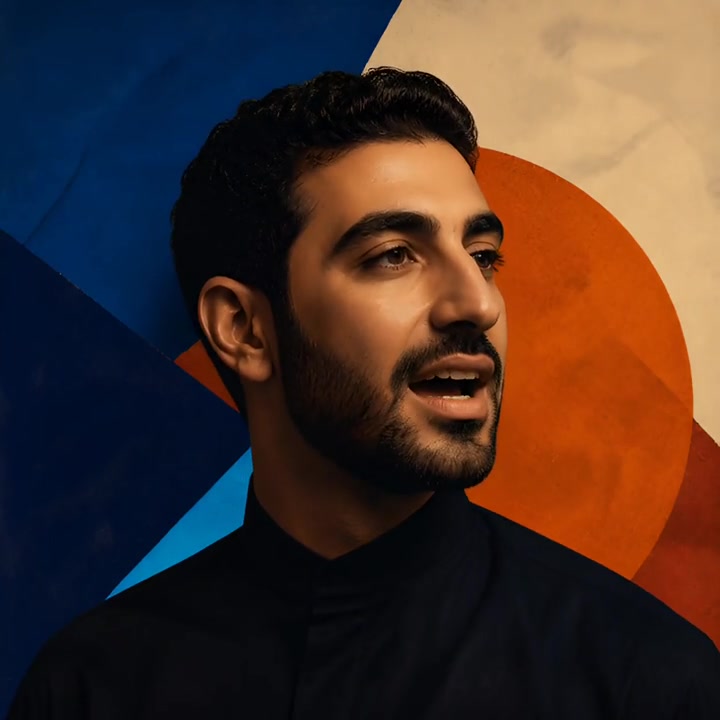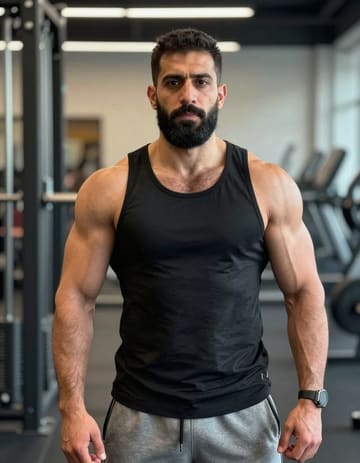
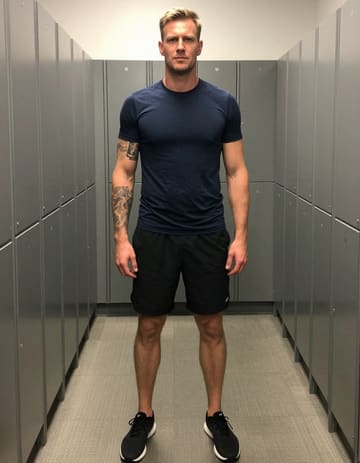
Put yourself and a collaborator in a rap performance. Upload two portraits or select two people from a group photo, then use the built-in setup or bring a recorded verse to guide your video.
Loading plans…
Video counts are based on Standard · 720p · 12s (10 credits).
The AI Rap Generator builds a visual performance around your photos and selected reference. Start with the built-in duet, or upload a recorded rap passage when you want the delivery to follow your own material.
These reference clips show how portraits become performances. The supplied-audio example demonstrates the recording workflow; bring your own rap audio to apply that approach to a verse or hook.
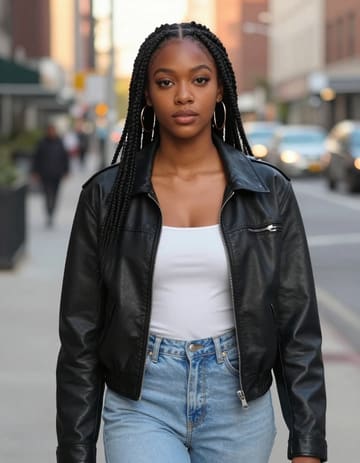
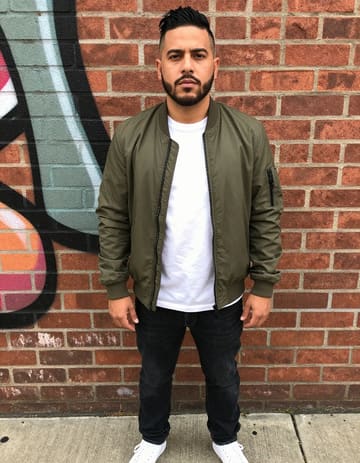
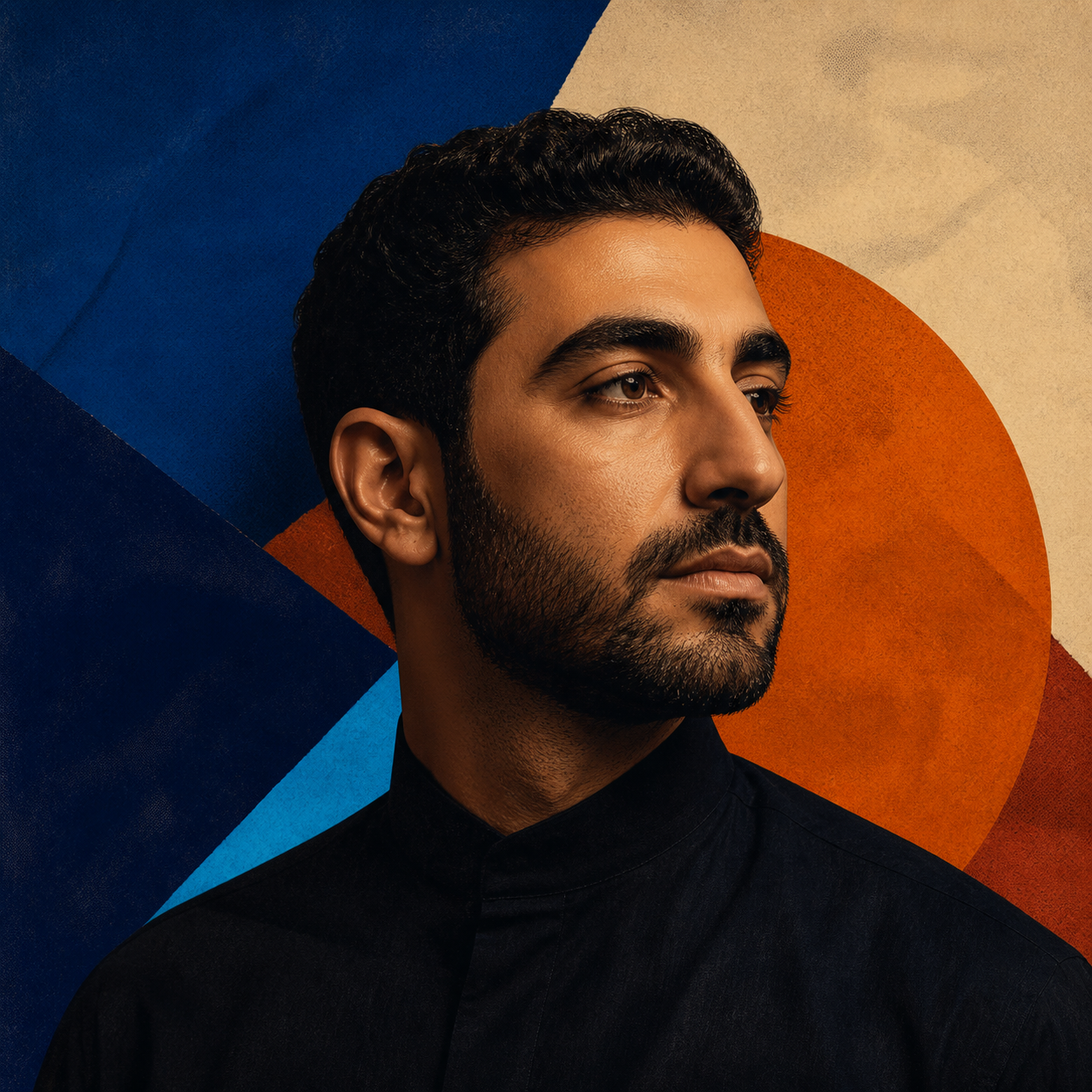
Choose two clear portraits, or identify two people in a shared photo. Place your lead performer on the side you prefer and assign the supporting part before selecting a reference.
Shape the take
Choose an audio section or reference performance, describe the mood, and add movement or background direction. Keep the suggested settings when you want a fast starting point.
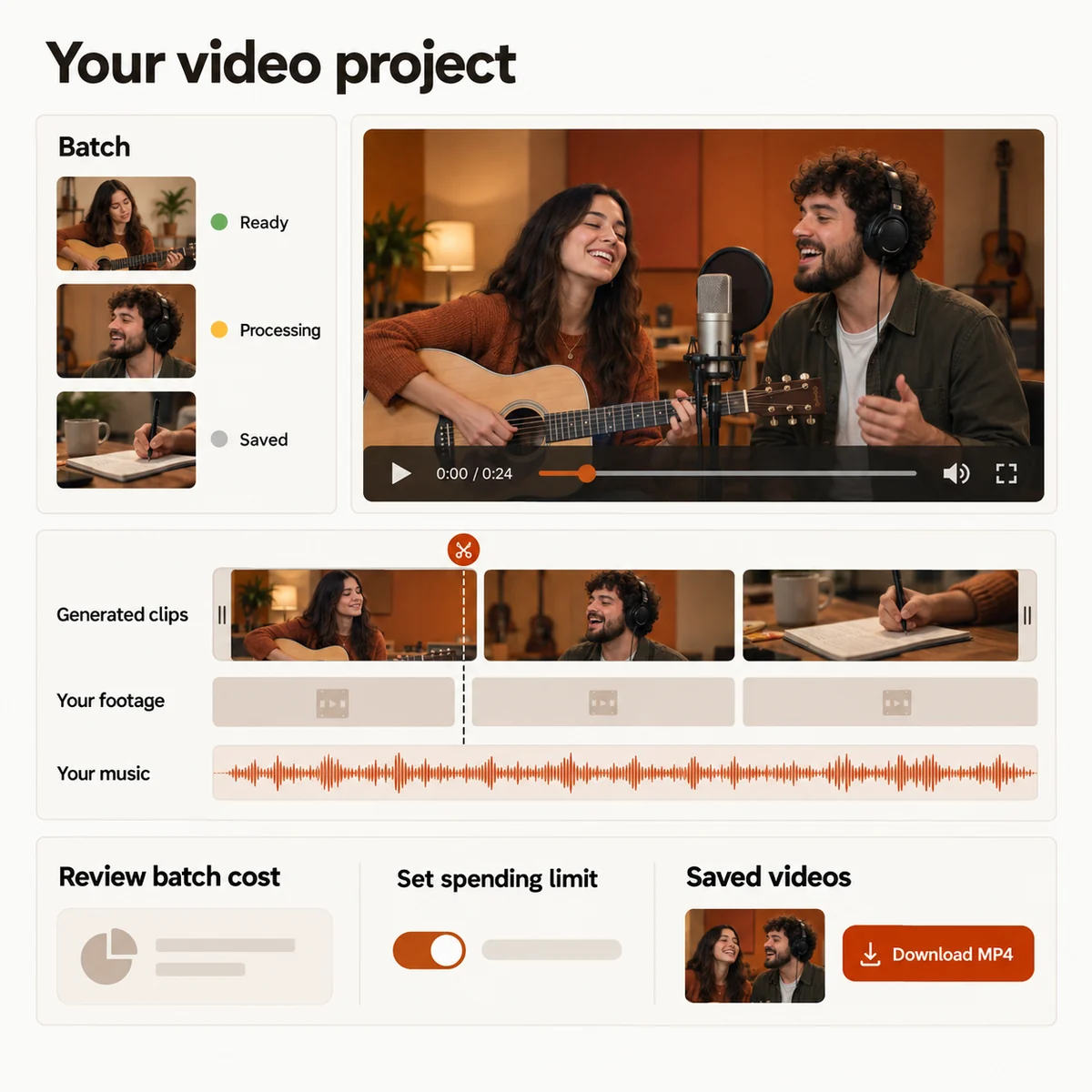
Review the preview, revise the direction if the performance needs another take, then trim or combine the finished scenes and export your video.
The AI Rap Generator runs in a phone or desktop browser. Your project keeps its saved setup while the render moves through the cloud queue.
For a song teaser, choose a hook that makes sense without the preceding verse. For a performance clip, choose a passage with a clear opening and a complete thought at the end. Listen to the selected section before generating so you do not cut off a word.
If you only have written bars, record them before choosing the custom-audio mode. A spoken intro can work as a starting recording too. Music added later in the editor accompanies the finished clip; it does not make the performers lip-sync to a different verse.
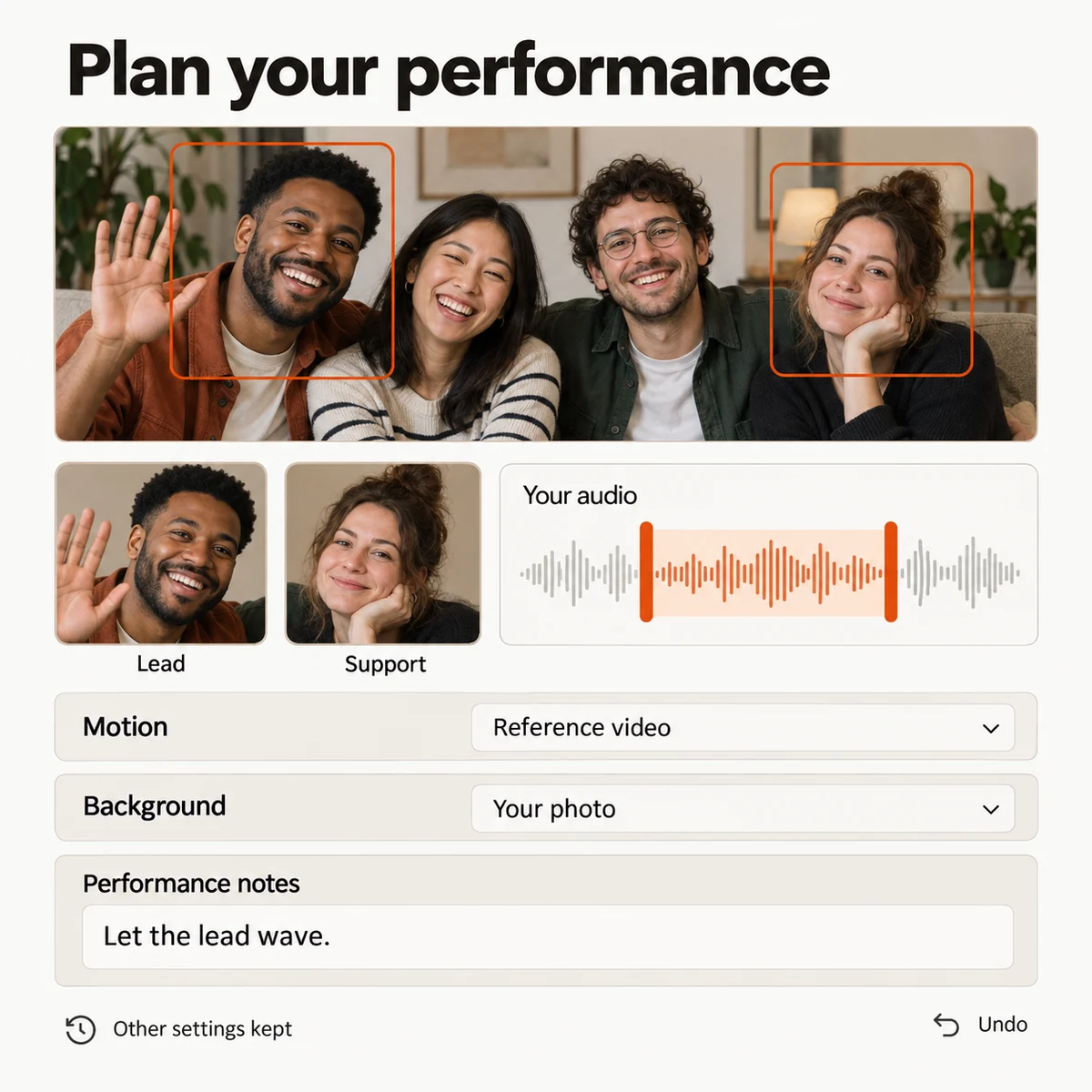
Record a verse or chorus first, then pair it with photos of your performers. Choose a short passage to give listeners a visual introduction to your writing.
Record a birthday verse and choose photos of the guest of honor and a friend. Use your audio to guide a personal performance for the occasion.
Use your own song as the starting point and build a face-forward performance around the section you want listeners to remember.
Mix an AI rap performance with footage you already shot, arrange the story on a timeline, and export a finished social cut.
Choose a credit plan for your next song video. The studio shows the estimated cost for your selected duration and quality before you submit.
Loading plans…
Pay once. Create at your own pace. Credits never expire.
Loading credit packs…
Video counts and per-video prices are based on Standard · 720p · 12s (10 credits).
Secure checkout by Stripe · Packs never expire · Subscriptions renew until canceled
Credits per 12-second video. Length scales the price, rounded up to a whole credit. All formats cost the same.
| Model | 480p | 720p | 1080p |
|---|---|---|---|
| StandardSeedance 2.0 Mini | 5 credits | 10 credits | — |
| FastSeedance 2.0 Fast | 8 credits | 17 credits | — |
| ProSeedance 2.0 | 10 credits | 20 credits | 50 credits |
| UltraSeedance 2.5 | 17 credits | 37 credits | 93 credits |
Open the AI Rap Generator, add your performer and sound, then shape a visual take you can place beside the rest of your story.