Skip to content

AI Hug Generator

Bring two approved portraits into a shared moment. Add a short embrace reference, choose the scene direction, and review the motion before exporting the video.

Add your photos

Choose clear, well-lit portraits. The two photos can be taken separately.

Upload photoLeft performer
Upload photoRight performer

Drag and drop, or click to choose.

JPG, PNG or WebP · up to 10 MB each
Standard · 720p · 10s · 9:16Change model, resolution, length or format9 credits
Quality and length
Model
Resolution
Length
Format

Credits are confirmed before generation. All formats cost the same.

Upload two photos to continue.

This video: 9 credits ·

By creating, you confirm you have permission to use both photos. Terms of Service

Example video

Want the full video?

  • Your full performance, at your chosen quality
  • No watermark — download and share
  • Pay once, or subscribe for more videos — your choice

Loading plans…

Video counts are based on Standard · 720p · 12s (10 credits).

REFERENCE MOTION, PERSONAL MEANING

Use a motion reference to plan the moment

AI Hug Generator gives two approved portraits a shared scene to work from. Choose the people, bring a short embrace reference, and decide how the movement, background, and sound should shape the reunion.

The examples below show the source-to-performance workflow using existing reference material. They are planning references, not a claim that every source clip is an embrace or that a person's exact identity, voice, or movement will be reproduced.

For broader reference-led character performances, see AI Clone Video.

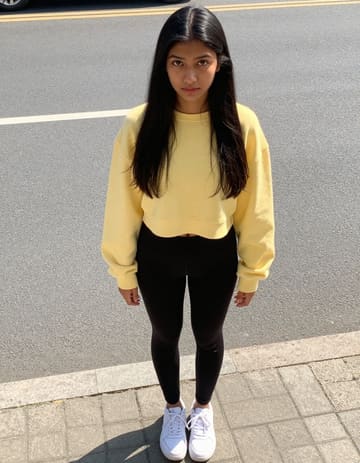
A parent and child portrait pair first portraitA parent and child portrait pair second portrait
Two approved source portraits

A parent and child portrait pair

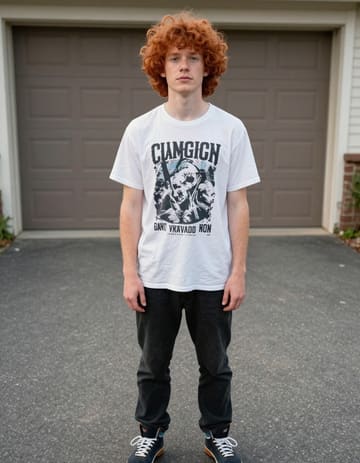
A family pair across generations first portraitA family pair across generations second portrait
Two approved source portraits

A family pair across generations

Portrait used with a movement reference
Portrait plus a movement reference

Let your own reference set the motion

Use a permissioned embrace clip when the contact and timing matter to the story.

FROM PORTRAIT TO EMBRACE

Use AI Hug Generator in three steps

Person one
Person two
01

Choose the two people

Upload one portrait for each person, or select both people from a group photo. Confirm the positions and roles before directing the moment.

Embrace direction
MotionBackdrop

Choose the section

02

Add the movement reference

Upload a short hug or reunion clip, preview it, and choose the section that should guide the movement. Add notes for the mood and setting around the pair.

MP4
03

Review, refine, and export

Watch the preview, revise the direction when the contact or timing needs another take, then trim or combine the finished scene and export your MP4.

AI Hug Generator works in a current phone or desktop browser. Keep source materials permissioned and return to the saved project while the render is processing.

MAKE THE MOMENT FEEL NATURAL

A clear reference makes a closer scene

Choose a reference with both people visible from the start of the movement. A short, steady clip gives the studio a clearer section to follow than a crowded scene with cuts or hidden faces.

Keep the written direction focused on the feeling around the embrace: a quiet reunion, a celebratory greeting, or a warm family message. The reference supplies the motion; your notes shape the context.
DIRECT THE FULL SCENE

Keep the connection, control the details

Shape the embrace

Frame the two people clearly
Upload separate portraits or select two people from a group photo. Set their positions and roles so the reference has a clear pair to follow from the first frame.
Choose a readable embrace reference
Upload a short clip that shows the hug, greeting, or reunion motion you want to explore. Choose a section where both people stay visible and the movement has a clear beginning and end.
Set the feeling around the contact
Choose the background and sound separately from the motion reference. Add notes for a quiet reunion, a family greeting, a playful squeeze, or the place where the meeting should happen.
Keep the take that feels personal
Save a setup before changing the roles, reference section, or direction. Compare another take, restore an earlier version, and keep the arrangement that fits the relationship in the message.
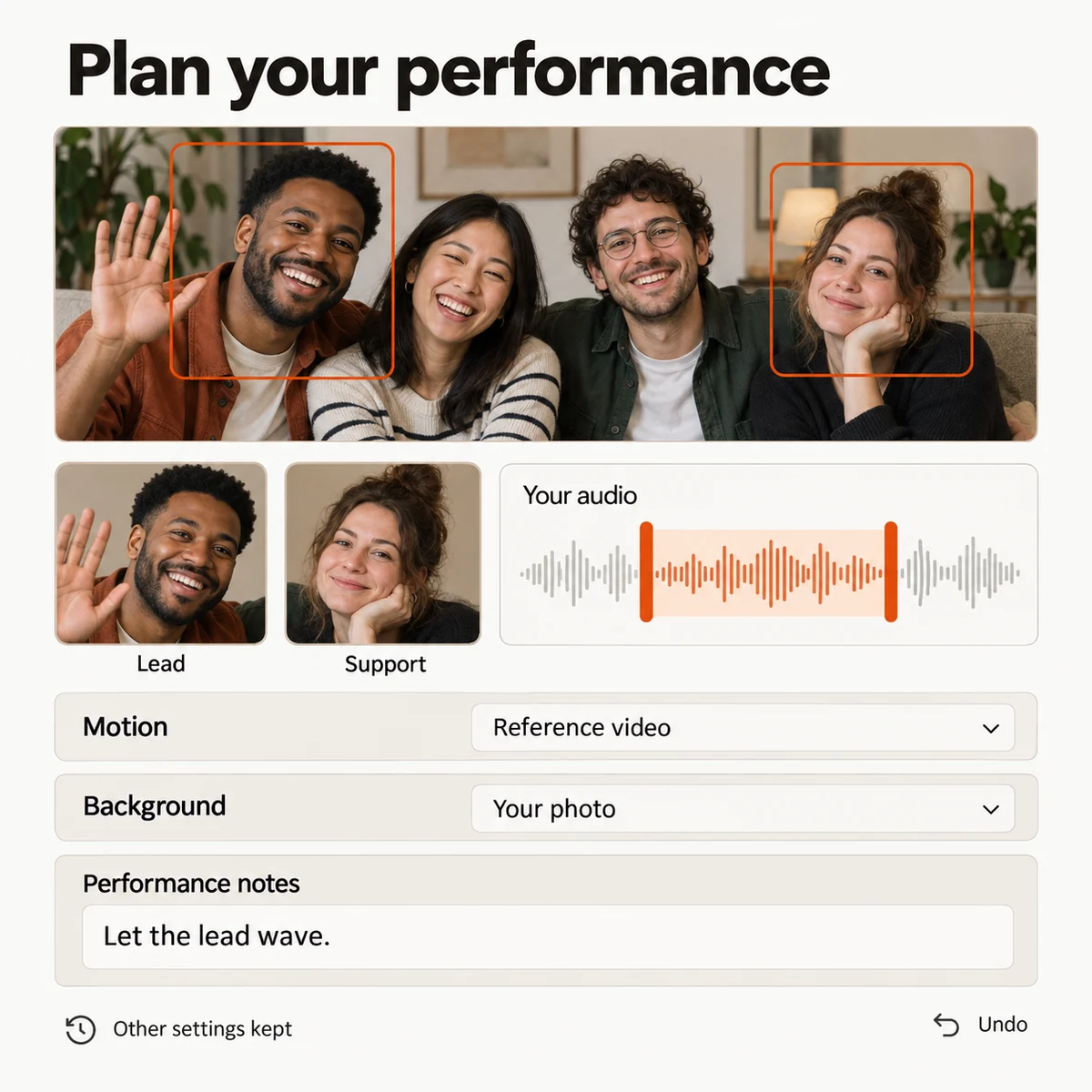
AI Hug Generator setup with two selected people, a movement reference, role controls, background settings, and saved direction.
Studio preview

Turn one moment into a memory edit

Plan different kinds of reunion
Create short moments for a parent, partner, sibling, or friend in one batch. Reuse the overall direction while changing the people, reference section, and background for each scene.
Use the embrace as a story beat
Place the generated scene beside arrival footage, old photos, and music on one timeline. Reorder clips, trim pauses, mute sections, and export the finished MP4.
Budget the memory edit
Review how the selected model, duration, quality, and batch size affect the credit estimate. Set a spending limit before submitting a group of reunion scenes.
Keep each greeting organized
Follow each render from submission to result. Reopen the saved arrangement, inspect completed previews, and retry one greeting without rebuilding the whole memory video.
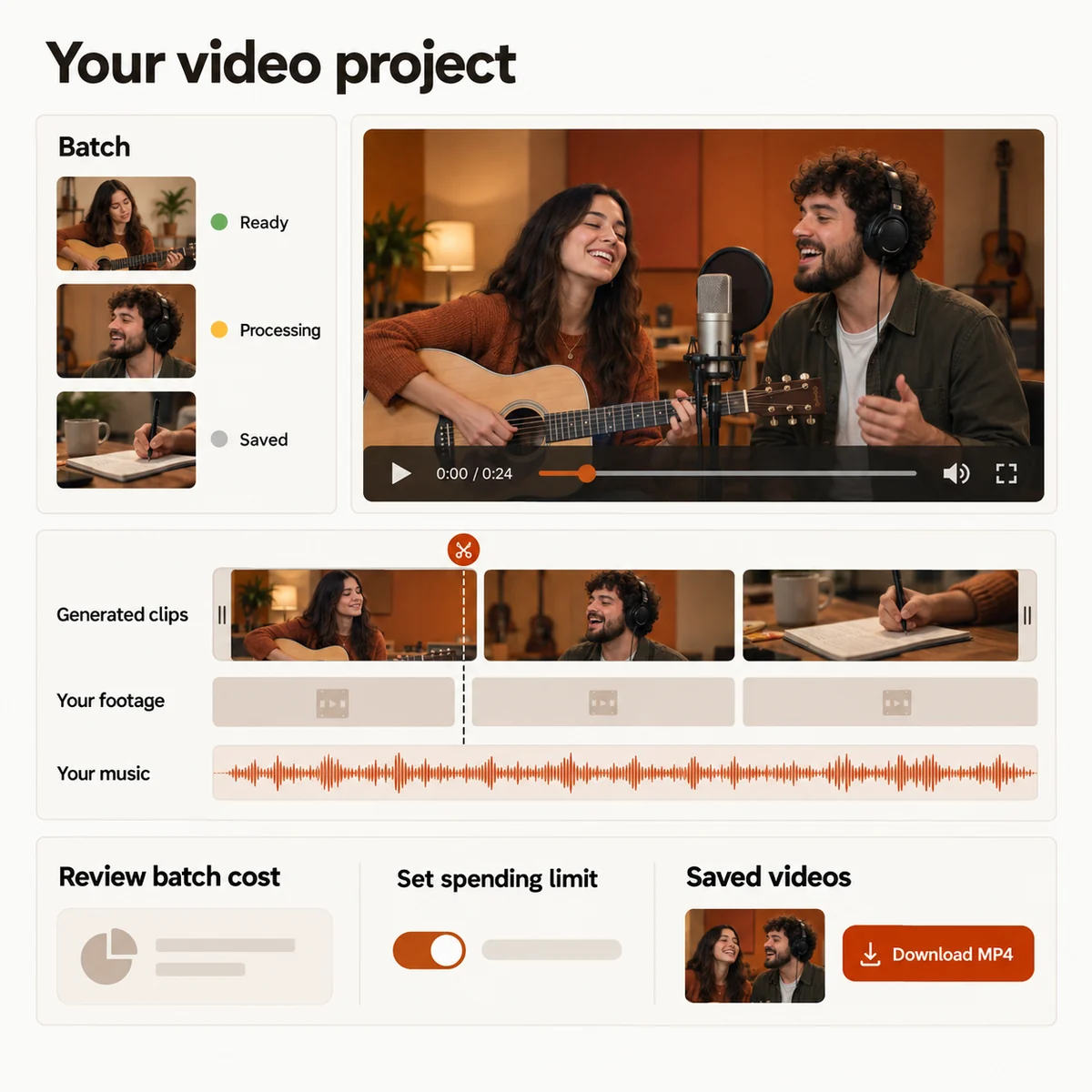
AI hug memory video timeline with generated scenes, personal footage, music, budget controls, and MP4 export.
Studio preview
CHOOSE YOUR MOMENT

Four ways to use AI Hug Generator

01

A reunion after time apart

Pair two approved portraits with a short embrace reference and create a visual greeting for someone who could not be at the same place.

02

A family memory across generations

Bring an older family photo and a current portrait into one thoughtful scene, then place the result beside the photographs and clips from the day.

03

A warm message for a friend

Use a personal motion reference to guide a short greeting that feels close, familiar, and ready to share in a private message or group chat.

04

A longer story built from small moments

Create several approved portrait scenes, then combine the embraces with your own footage, captions, and music in one memory edit.

YOUR NEXT PERFORMANCE

AI Hug Generator plans

Choose a credit plan for the hug scenes you want to create. The studio shows the estimated cost for your selected duration and quality before you submit.

  • MP4 downloads
  • No preview watermark
  • See credit costs before generating

Loading plans…

One-time credit packs

Pay once. Create at your own pace. Credits never expire.

Loading credit packs…

Video counts and per-video prices are based on Standard · 720p · 12s (10 credits).

Secure checkout by Stripe · Packs never expire · Subscriptions renew until canceled

What a video costs

Credits per 12-second video. Length scales the price, rounded up to a whole credit. All formats cost the same.

Video credits by model and resolution, per 12 seconds
Model480p720p1080p
StandardSeedance 2.0 Mini5 credits10 credits—
FastSeedance 2.0 Fast8 credits17 credits—
ProSeedance 2.010 credits20 credits50 credits
UltraSeedance 2.517 credits37 credits93 credits
BRING TWO PEOPLE TOGETHER

Make a moment they can replay

Choose the two people, add a permissioned embrace reference, and shape a short memory with AI Hug Generator around the feeling you want to share.

AI Hug Generator from Photos | Hotel Lobby AI