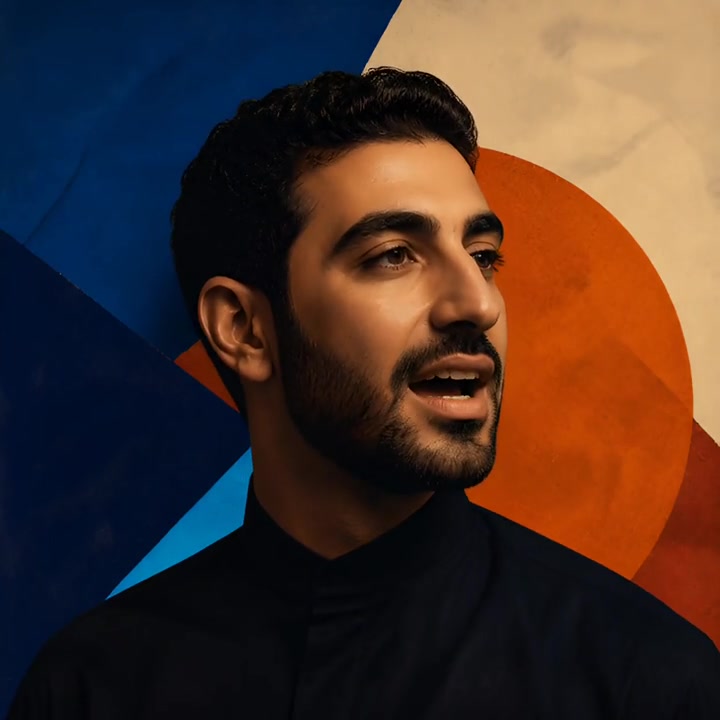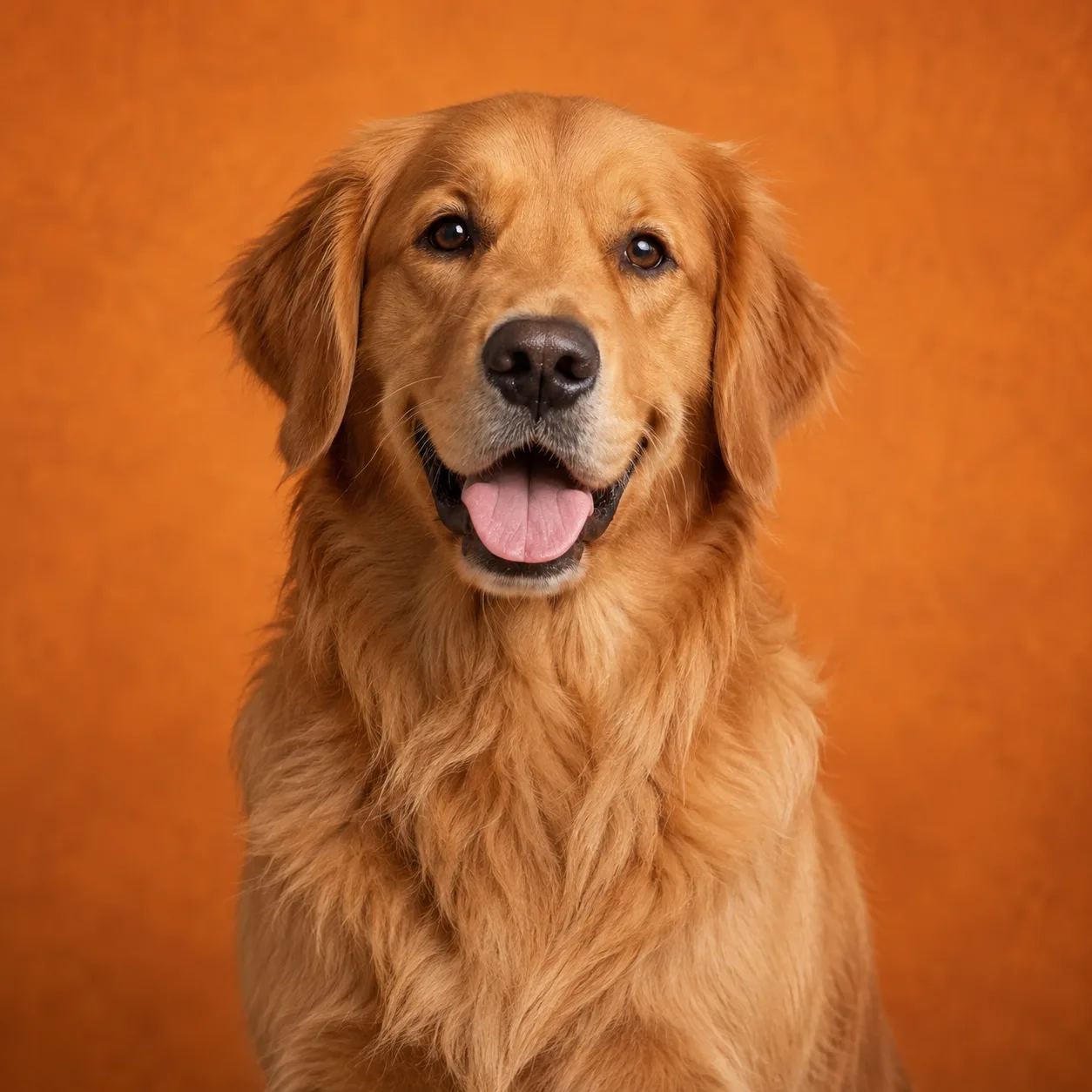
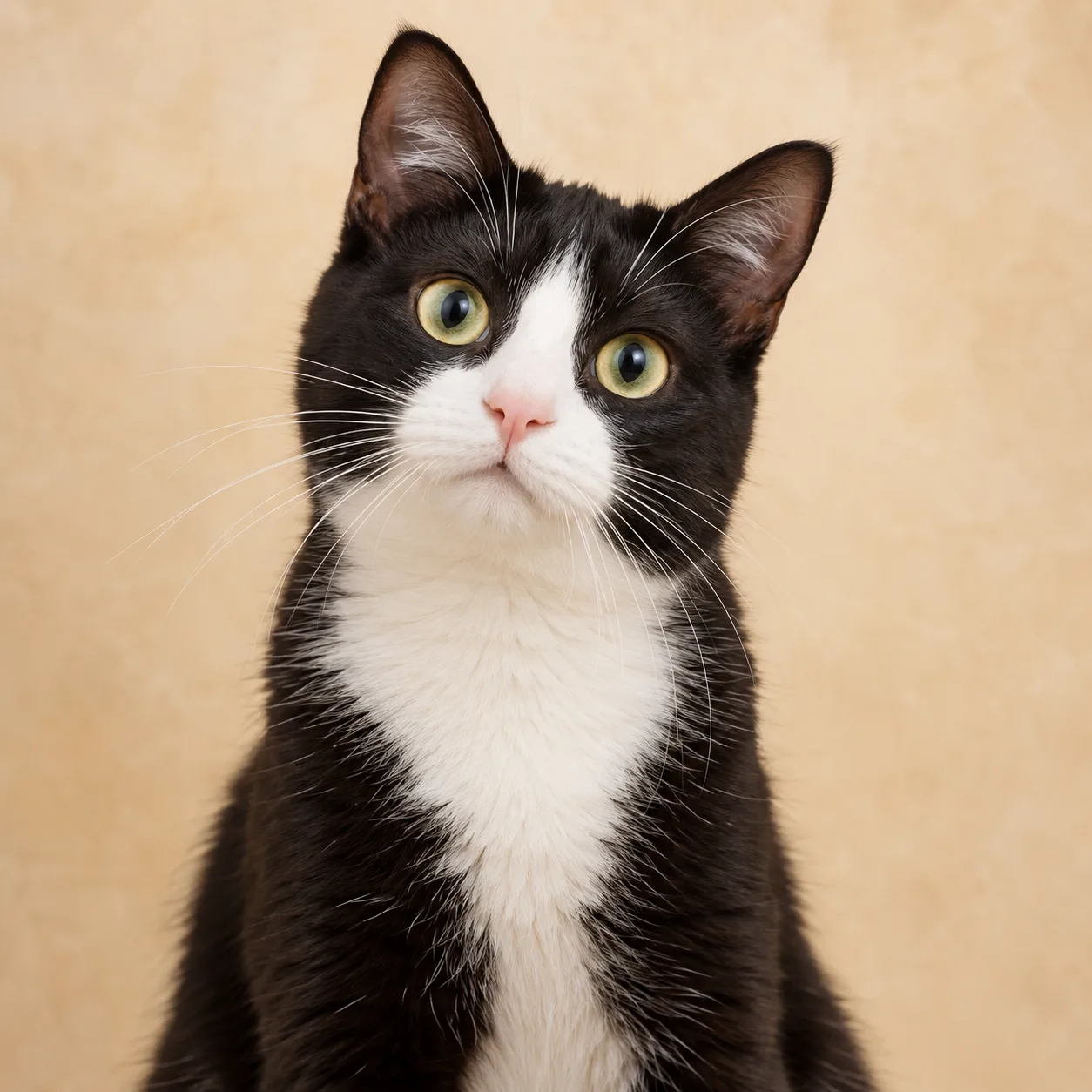
Turn two approved source images into a playful rap scene for a pet, owner, or companion pair. Add a beat or movement reference, choose the direction, and review the video before exporting it.
Loading plans…
Video counts are based on Standard · 720p · 12s (10 credits).
Pet Rap Video gives a pet-centered idea a two-person performance setup. Choose the pet and its scene partner, bring a rap reference or your own recording, and decide how the movement, backdrop, and sound should frame the joke.
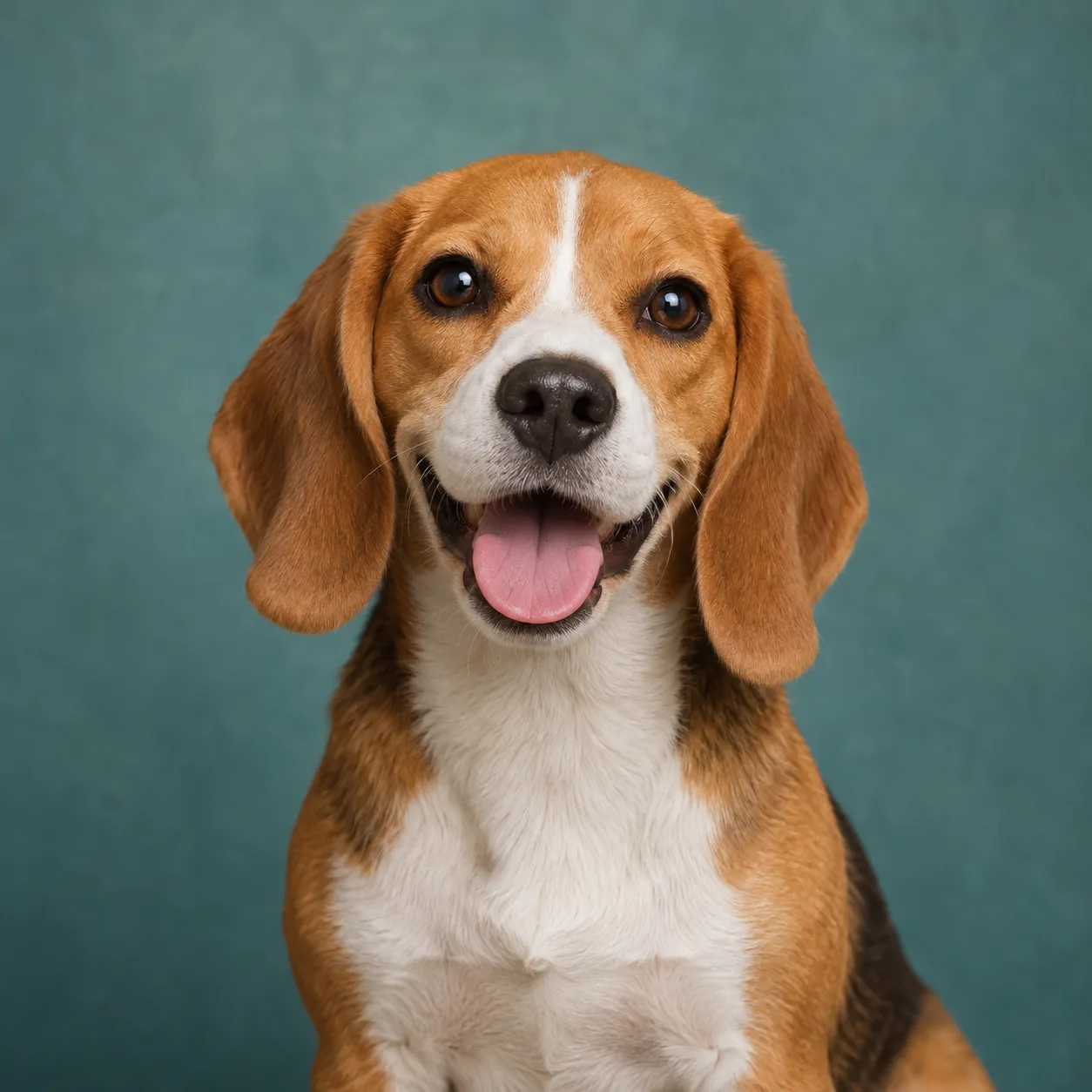
The source cards below use pet portrait references so the idea is easy to picture. The adjacent videos are workflow references from the studio library, not claims that these pet photos appear in those performances; the workflow does not promise an exact identity, voice, gesture, or animal movement from every source.
For a people-first rap performance, see AI Rap Generator.
Use media you own or have permission to edit when the beat and timing matter to the Pet Rap Video idea.
Upload a clear pet image and a second approved source, or select both subjects from a group photo. Confirm the positions and roles before directing the rap scene.
Choose the section
Use the built-in setup, upload a rap recording, or bring a short video reference. Preview the section that should guide timing, then add notes for the pet's personality and setting.
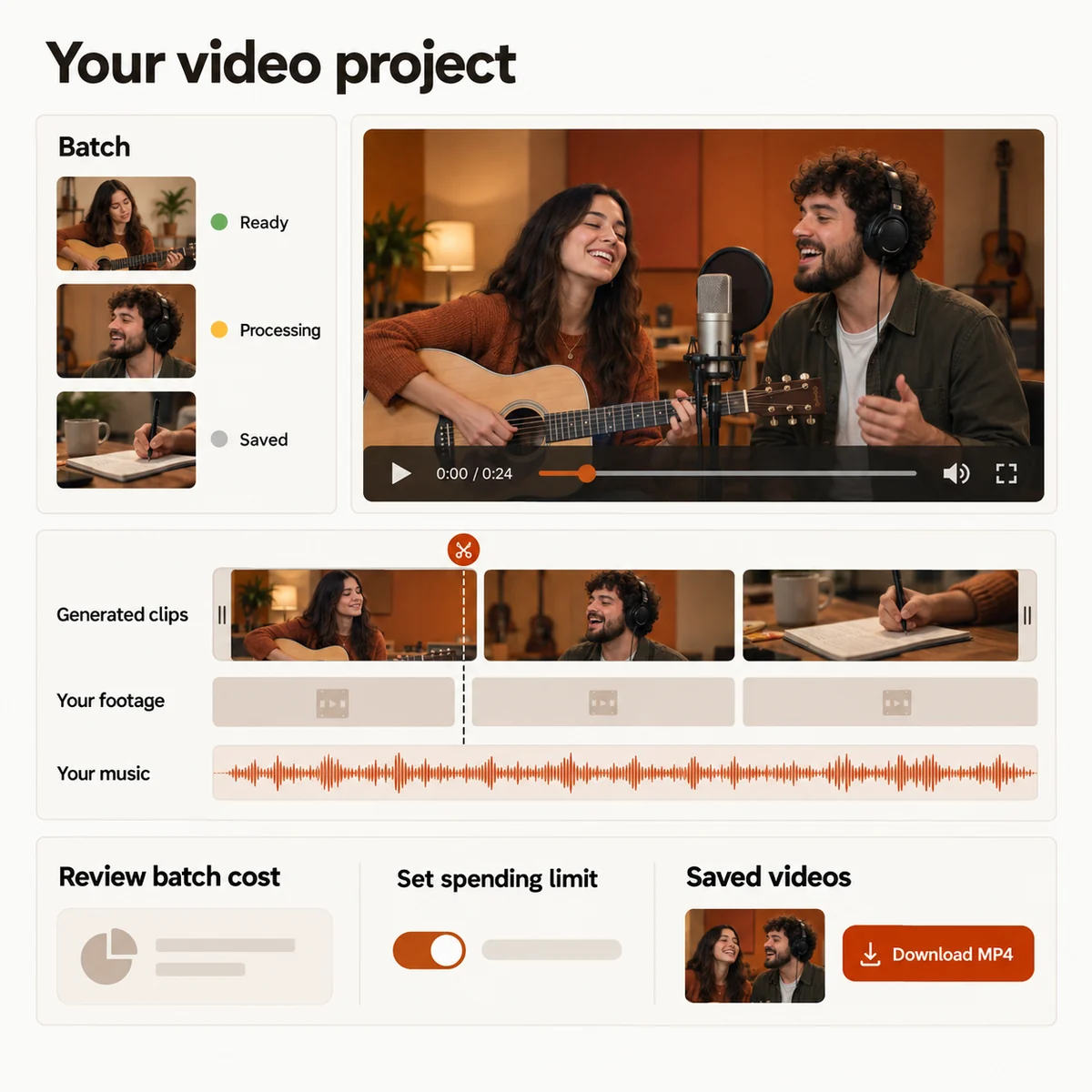
Watch the preview, revise the direction when the timing needs another take, then trim or combine the finished scene and export your Pet Rap Video as an MP4.
Pet Rap Video works in a current phone or desktop browser. Use permissioned source material and return to the saved project while the render is processing.
Choose source images where the pet or scene partner is visible and easy to frame. A steady reference with one clear beat is easier to review than a crowded clip with cuts, hidden subjects, or competing gestures.
Keep the written direction about the character of the moment: a proud entrance, a sleepy boast, a kitchen cypher, or a playful challenge. The reference supplies the timing; your notes shape the story around the pet.
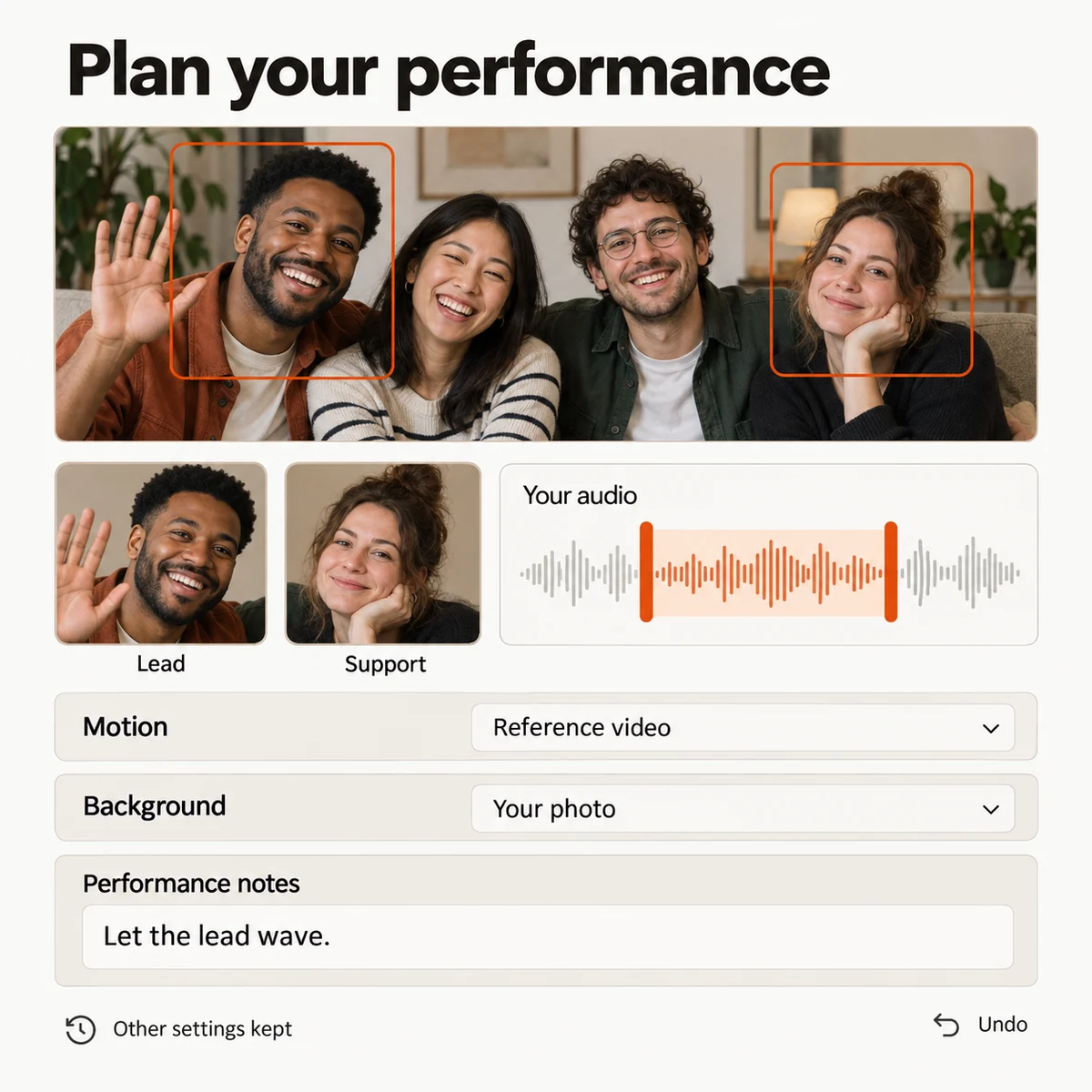
Pair a pet portrait with an owner's photo and use a short verse or movement reference to frame a playful back-and-forth for the next group chat.
Give two approved pet photos a shared stage, choose who leads the scene, and build a short clip around the personalities your household already knows.
Use a recording, a caption, or a reference performance to turn a first-day photo into a rap greeting that feels made for one rescued companion.
Create the Pet Rap Video scene, then combine it with walks, tricks, naps, and favorite photos to make a longer story for the people who love your pet.
Choose a credit plan for the pet scenes you want to create. The studio shows the estimated cost for your selected duration and quality before you submit.
Loading plans…
Pay once. Create at your own pace. Credits never expire.
Loading credit packs…
Video counts and per-video prices are based on Standard · 720p · 12s (10 credits).
Secure checkout by Stripe · Packs never expire · Subscriptions renew until canceled
Credits per 12-second video. Length scales the price, rounded up to a whole credit. All formats cost the same.
| Model | 480p | 720p | 1080p |
|---|---|---|---|
| StandardSeedance 2.0 Mini | 5 credits | 10 credits | — |
| FastSeedance 2.0 Fast | 8 credits | 17 credits | — |
| ProSeedance 2.0 | 10 credits | 20 credits | 50 credits |
| UltraSeedance 2.5 | 17 credits | 37 credits | 93 credits |
Choose the two subjects, add a permissioned rap reference, and shape a Pet Rap Video around the personality you want to share.