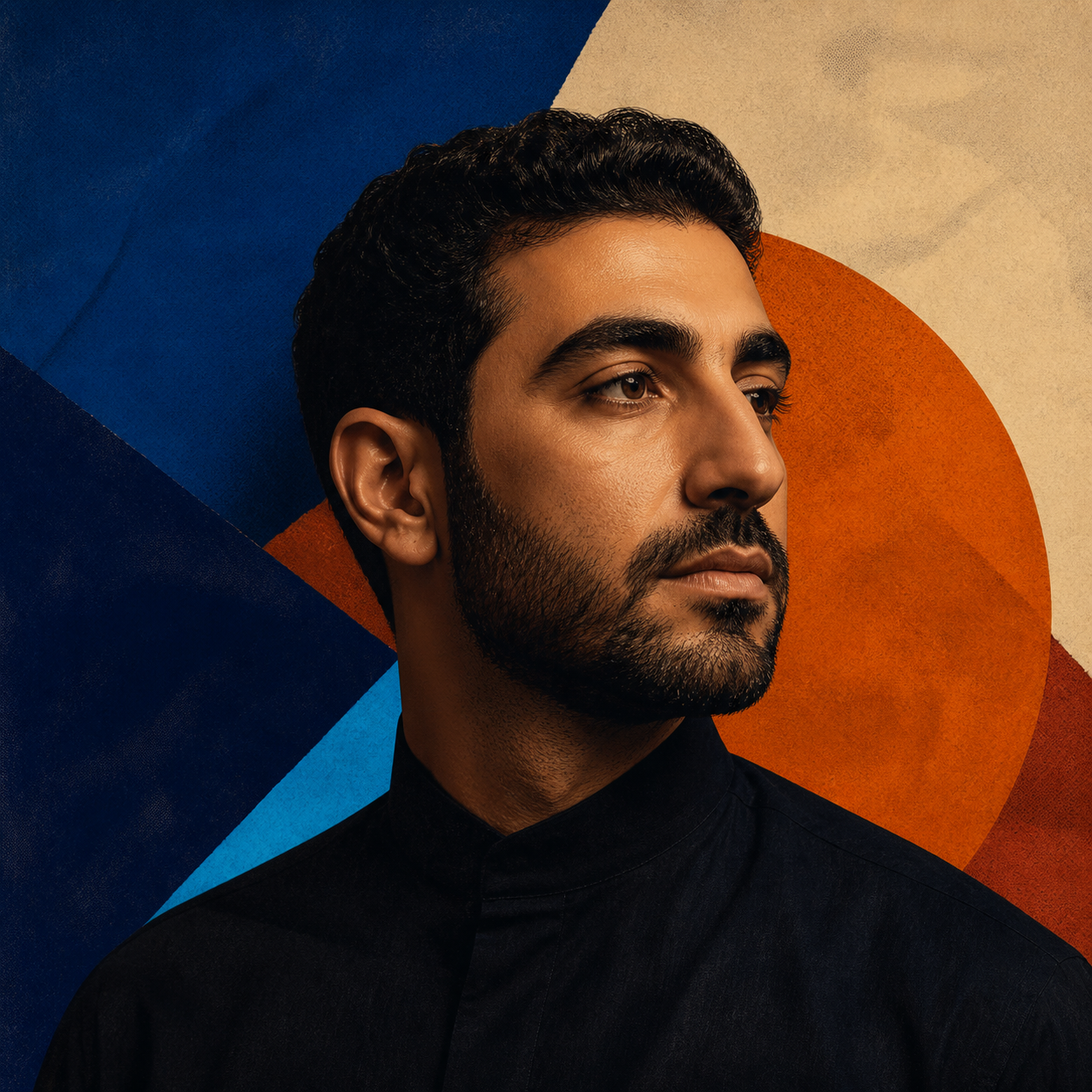
Skip to content

AI Rap Battle Generator

Turn two portraits or a group photo into an AI rap battle video. Choose the performers, preview their performance, and unlock the full video when you are ready to share it.

Add your photos

Choose clear, well-lit portraits. The two photos can be taken separately.

Upload photoLeft performer
Upload photoRight performer

Drag and drop, or click to choose.

JPG, PNG or WebP · up to 10 MB each
Standard · 720p · 10s · 9:16Change model, resolution, length or format9 credits
Quality and length
Model
Resolution
Length
Format

Credits are confirmed before generation. All formats cost the same.

Upload two photos to continue.

This video: 9 credits ·

By creating, you confirm you have permission to use both photos. Terms of Service

Example video

Want the full video?

  • Your full performance, at your chosen quality
  • No watermark — download and share
  • Pay once, or subscribe for more videos — your choice

Loading plans…

Video counts are based on Standard · 720p · 12s (10 credits).

PICK YOUR TWO SIDES

Every good battle starts with a photo

The AI Rap Battle Generator gives two familiar faces a shared stage. Choose the people, set the premise, and let the camera frame the exchange like a short performance rather than a static slideshow.

Use these examples as casting ideas: friends can trade a playful challenge, relatives can take a turn at the mic, and your own recording can become the soundtrack for a custom round.

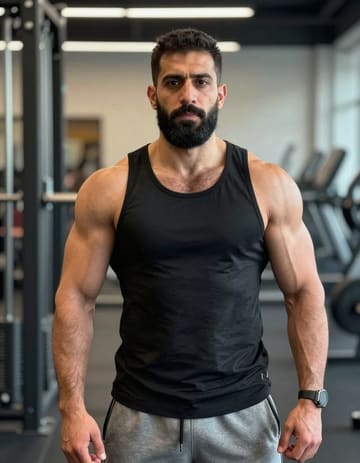
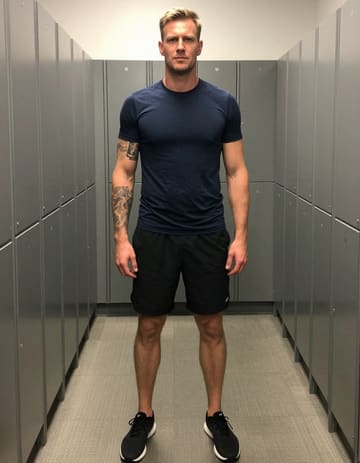
A friendly challenge between friends first portraitA friendly challenge between friends second portrait
Two source portraits

A friendly challenge between friends

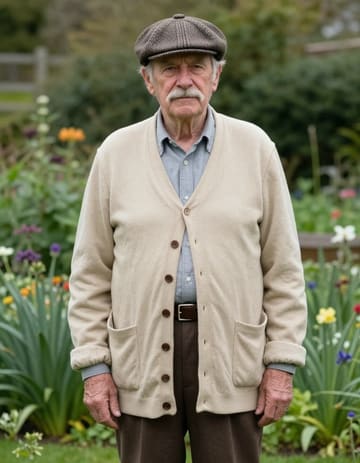
Two generations, one stage first portraitTwo generations, one stage second portrait
Two source portraits

Two generations, one stage

Artwork used as a custom vocal reference
Portrait plus your audio

Let the recording call the next round

Play the reference audio
SET THE STAGE

Build a rap battle in three moves

Side A
Side B
01

Choose the challengers

Bring in two portraits or select two faces from a group photo. Set the order and give each person a place in the frame before you move on.

Battle direction
Opening verseReply

Preview the exchange

02

Give the round its angle

Describe the playful tension, choose the movement or audio reference, and keep the default direction when you want to get to the first preview quickly.

MP4
03

Polish the winning take

Watch the preview, adjust the setup if the exchange needs another take, then unlock the full result. Trim the pauses or combine rounds before downloading.

The AI Rap Battle Generator works in a phone or desktop browser. You can prepare the scene on one device and return to the saved project when the render is ready.
FROM CASTING TO CUT

Direct more than the punchline

Make the matchup feel intentional

Cast the right rivals
Use the AI Rap Battle Generator with two individual portraits or select two people from one group shot. Choose who appears on each side of the frame, then decide which performer opens the exchange.
Give the scene a point of view
A playful roast, a family challenge, or a friendly competition can all become the premise for your clip. Add the reference audio or visual direction that fits the mood you want to stage.
Shape the movement between verses
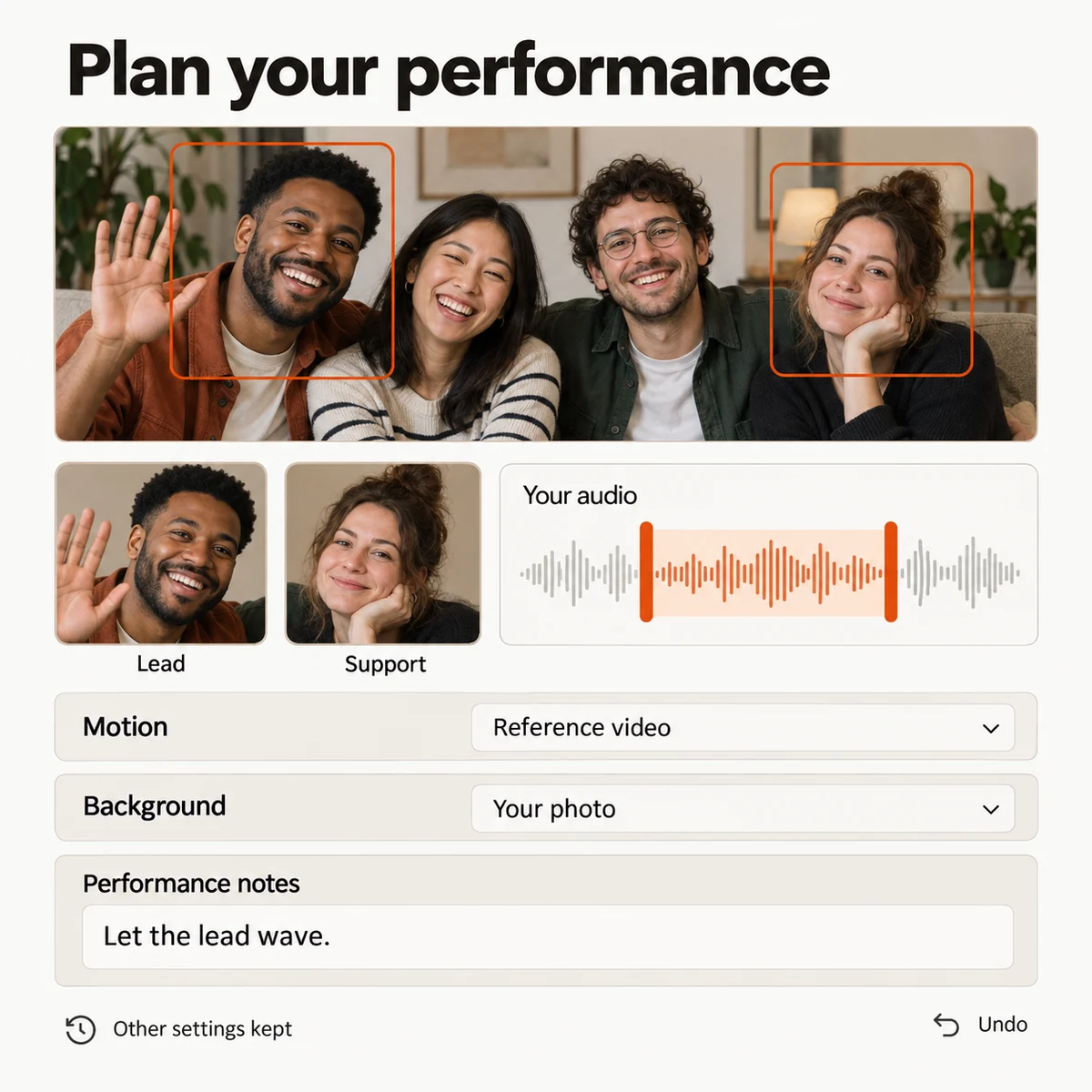
Set the motion and backdrop independently. Keep the focus on the faces, use a reference performance, and add notes for gestures, props, or the attitude each side should bring.
Keep a winning setup
Save a version you like before changing the roles or directions. Compare the revision, restore an earlier arrangement, and send the strongest setup back to the studio.
A battle setup with two performers, role controls, a reference section, motion direction, and a stage background.
Studio preview

Turn separate rounds into one story

Make several rounds at once
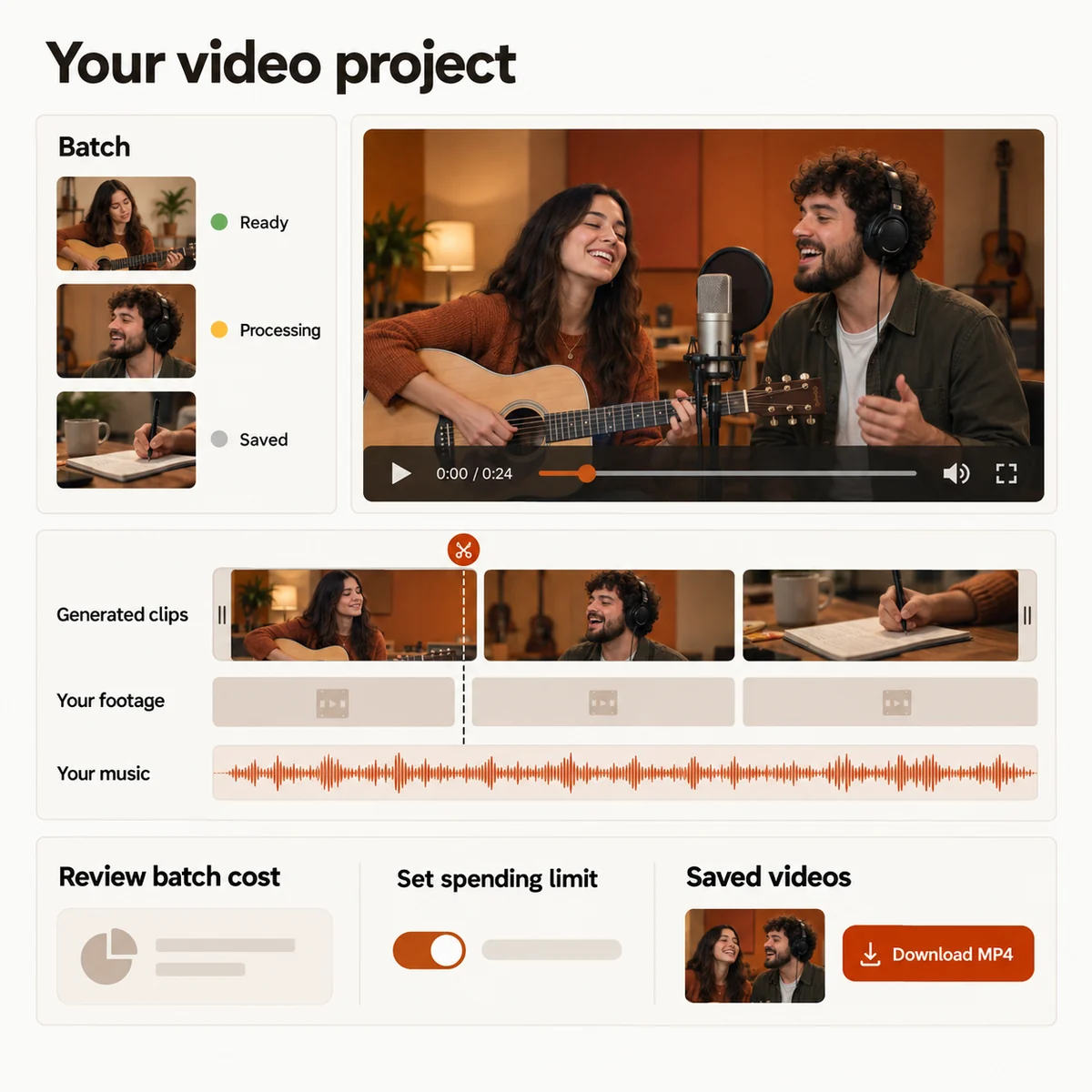
Prepare a set of matchups from a photo collection. Reuse the overall direction while giving every round its own cast and premise, then follow the results independently.
Cut the battle into a shareable edit
Place generated rounds and your own footage on one timeline. Rearrange moments, trim pauses, add a music bed, and mute any section before exporting the final MP4.
See the cost before the mic goes live
Review the credit estimate for the selected quality and length. Batch totals and spending limits are shown before you send a round to generation.
Return to unfinished rounds
Your studio keeps task status and saved settings together. Reopen a project, check a completed preview, or retry a failed round with its previous arrangement.
A battle edit timeline with generated rounds, personal footage, music, budget controls, and MP4 export options.
Studio preview
FIND YOUR FORMAT

Four ways to start the exchange

01

Turn an inside joke into a face-off

Give two friends a stage and let the small argument become the hook for a clip made to send straight to the group chat.

02

Put your own verse in the spotlight

Upload a recording, select the section that matters, and build a visual performance around the voice you already made.

03

Make a celebration with two captains

Pair family photos, give each person a side, and add a short battle as the memorable opening for a birthday or milestone edit.

04

Add a battle round to a music edit

Combine a generated exchange with footage you filmed yourself, then arrange the scenes into a complete social video.

YOUR NEXT PERFORMANCE

AI Rap Battle Generator plans

Choose a credit plan for your next round. The studio shows the estimated cost for your selected duration and quality before you submit.

  • MP4 downloads
  • No preview watermark
  • See credit costs before generating

Loading plans…

One-time credit packs

Pay once. Create at your own pace. Credits never expire.

Loading credit packs…

Video counts and per-video prices are based on Standard · 720p · 12s (10 credits).

Secure checkout by Stripe · Packs never expire · Subscriptions renew until canceled

What a video costs

Credits per 12-second video. Length scales the price, rounded up to a whole credit. All formats cost the same.

Video credits by model and resolution, per 12 seconds
Model480p720p1080p
StandardSeedance 2.0 Mini5 credits10 credits—
FastSeedance 2.0 Fast8 credits17 credits—
ProSeedance 2.010 credits20 credits50 credits
UltraSeedance 2.517 credits37 credits93 credits
YOUR NEXT ROUND

Give two faces a reason to trade bars

Open the AI Rap Battle Generator, upload the challengers, choose the direction, and watch the first cut before you decide how far to take the battle.
AI Rap Battle Generator: Two Photos to a Rap Battle Video