Skip to content

Birthday Rap Song

Turn a birthday message into a personal rap performance. Upload portraits of the guest of honor and a friend, bring your own recorded verse or use a studio reference, then shape the scene before exporting the video.

Add your photos

Choose clear, well-lit portraits. The two photos can be taken separately.

Upload photoLeft performer
Upload photoRight performer

Drag and drop, or click to choose.

JPG, PNG or WebP · up to 10 MB each
Standard · 720p · 10s · 9:16Change model, resolution, length or format9 credits
Quality and length
Model
Resolution
Length
Format

Credits are confirmed before generation. All formats cost the same.

Upload two photos to continue.

This video: 9 credits ·

By creating, you confirm you have permission to use both photos. Terms of Service

Example video

Want the full video?

  • Your full performance, at your chosen quality
  • No watermark — download and share
  • Pay once, or subscribe for more videos — your choice

Loading plans…

Video counts are based on Standard · 720p · 12s (10 credits).

MAKE THE MESSAGE PERSONAL

A birthday song starts with the people in it

Birthday Rap Song turns familiar faces and a personal recording into a short rap performance. Choose the guest of honor, bring in a friend or family member, and give the celebration a scene with its own point of view.

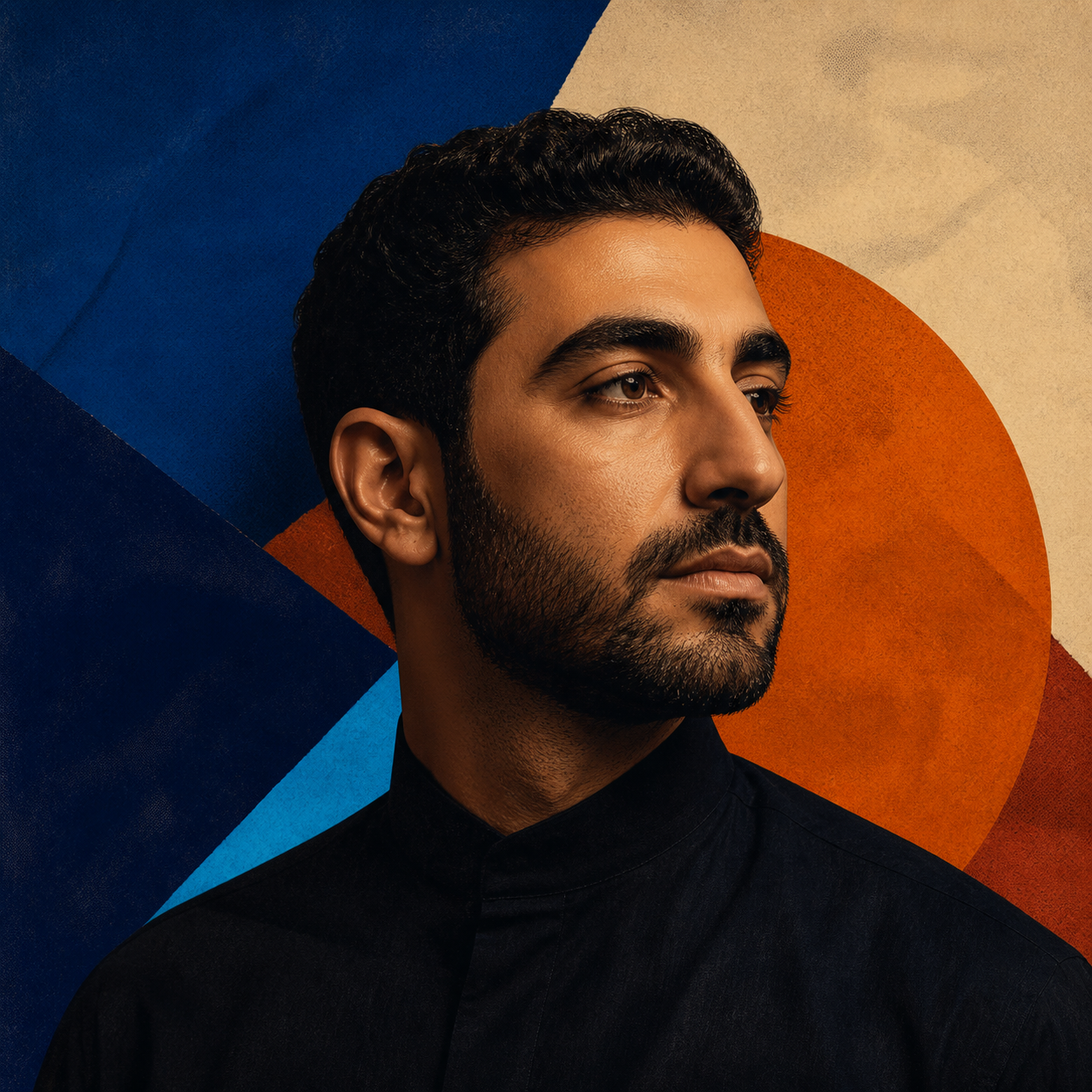
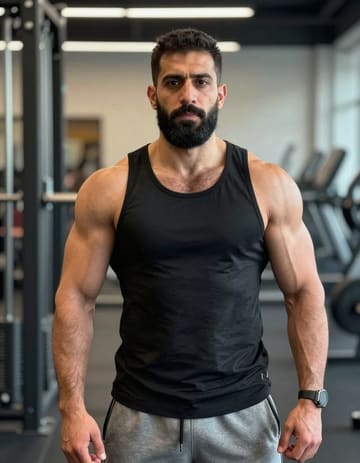
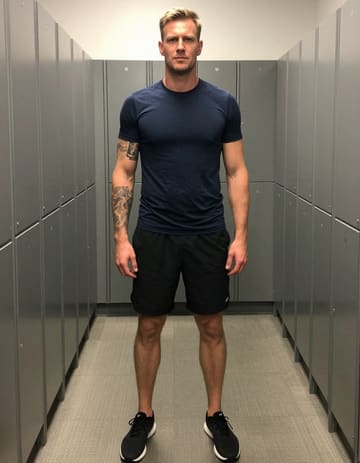
Use the examples below as planning references: a pair can share a stage, a supplied recording can lead the performance, and a birthday montage can grow from several short scenes. The source examples are references for the workflow, not promises of an automatically written song.
A friend joins the birthday toast first source portraitA friend joins the birthday toast second source portrait
Two people from the celebration

A friend joins the birthday toast

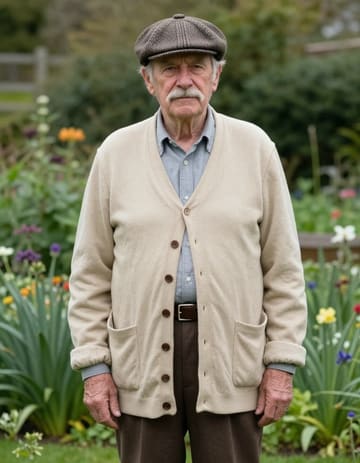
A family pairing for the chorus first source portraitA family pairing for the chorus second source portrait
Two people from the celebration

A family pairing for the chorus

Artwork used as a birthday rap audio reference
Portrait plus your birthday recording

Let the birthday verse lead

Play the reference audio
FROM IDEA TO SURPRISE

Build a birthday rap in three beats

Guest of honor
Birthday verse
01

Choose the people and the message

Upload two portraits or select the birthday pair from a group photo. Add your recorded verse, toast, or song section when the delivery should come from someone who knows them.

Birthday direction
RolesBackdrop

Review the first take

02

Set the tone of the surprise

Describe the playful, warm, or dramatic mood you want. Choose the movement and setting, then add notes for the gestures, props, and small details that make the message feel like theirs.

MP4
03

Polish the moment before the party

Review the preview, change the setup if the delivery needs another take, and then arrange the scene with your party footage. Trim, mute, and export when the surprise is ready to share.

Birthday Rap Song works in a phone or desktop browser. Prepare the surprise on one device and return to the saved project when the render is ready.
DIRECT THE SURPRISE

Make every detail sound like them

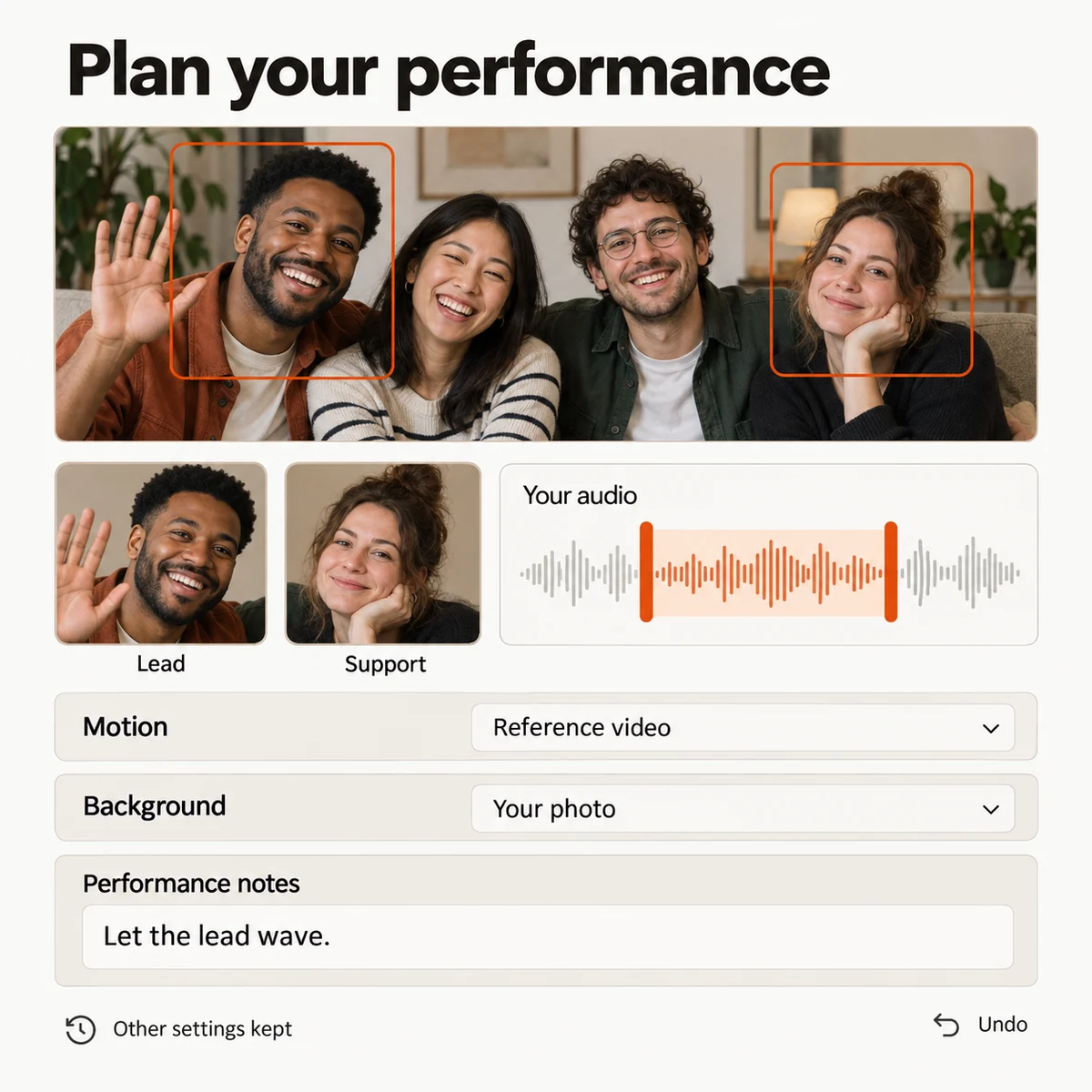
Shape the birthday performance

Put the guest of honor in the lead
Choose the birthday person and their co-star from two portraits or a group photo. Set the left and right positions and decide who carries the main moment before you generate.
Let your recorded verse carry the feeling
Upload a birthday rap, toast, or voice message you made yourself. Select the passage that should guide the performance so the visual starts from a delivery that already feels personal.
Direct the joke, toast, or surprise
Describe the mood, gestures, props, and setting around the celebration. Keep the birthday detail in the direction while the performers and backdrop stay independently controllable.
Save the take that fits the party
Keep a setup before trying a new role or instruction. Compare the next preview, restore an earlier arrangement, and continue with the version that feels right for the person celebrating.
Birthday rap setup with the guest of honor, a co-performer, a reference recording, motion direction, and a celebration backdrop.
Studio preview

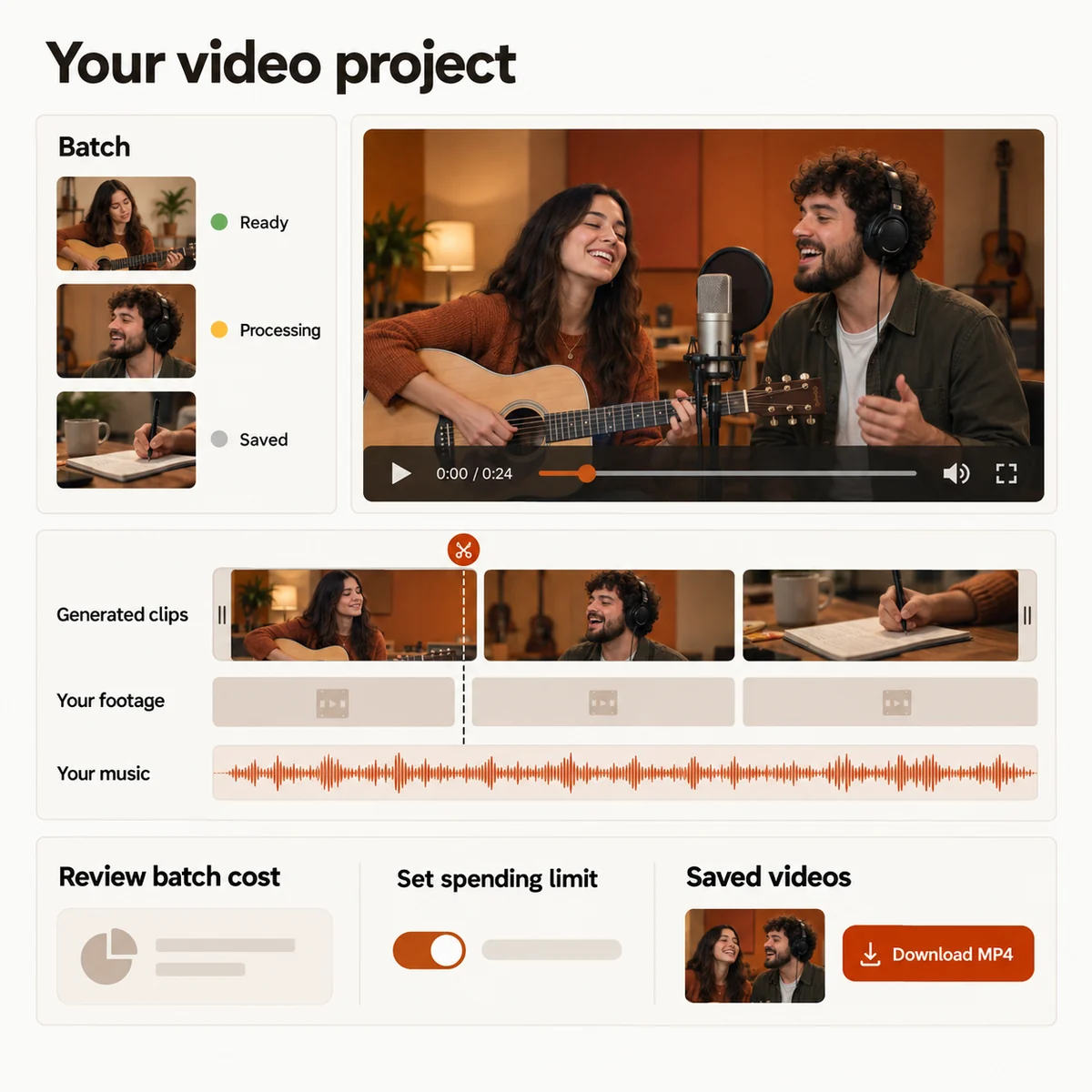
Turn one birthday song into a complete edit

Make several birthday moments
Prepare an opening toast, a chorus performance, and a closing message as separate scenes. Reuse the celebration direction while tailoring the cast and action for each clip.
Turn the performance into a party edit
Place generated scenes beside your own party footage on one timeline. Reorder moments, trim pauses, add a music bed, and mute any clip before exporting the MP4.
Review the credit estimate first
See how the selected duration, quality, and batch size affect the credit total. Check the estimate before submitting the next birthday scene.
Return when the celebration gets closer
Follow each render from submission to result. Reopen saved settings, check completed previews, and retry one scene without rebuilding the whole birthday concept.
Birthday video timeline with generated performance scenes, party footage, music, budget controls, and MP4 export options.
Studio preview
PICK THE OCCASION

Four ways to make the birthday memorable

01

Record a toast for the guest of honor

Record a short verse with their name, a shared memory, or a friendly punchline, then give the birthday person the starring role beside you.

02

Open the party with a duet

Pair two family or friend portraits and create a short performance that can introduce a longer birthday montage.

03

Turn old photos into a chorus

Gather pictures from different years, choose the people for the main frame, and use a birthday song as the soundtrack for a memory-led edit.

04

Add the rap to your party footage

Create one personal performance, then place it beside the cake, candles, and messages you filmed yourself for a complete celebration video.

A RECORDING HAS A DIFFERENT JOB

Bring the real voice into the gift

Choose Your own audio in Birthday Rap Song when the birthday verse, toast, or chorus should guide the generated performance. The selected passage gives the scene a specific voice and delivery to work from.

Adding music to a finished clip is a separate editing step: it supplies a soundtrack for the footage already made. It does not write lyrics, create a complete song from a text prompt, or regenerate mouth movements. For a longer song, make several scenes and assemble them yourself.

A personal recording can carry the name, memory, and timing that a generic birthday message cannot.

YOUR NEXT PERFORMANCE

Birthday Rap Song plans

Choose a credit plan for the birthday project. The studio shows the estimated cost for your selected duration and quality before you submit.

  • MP4 downloads
  • No preview watermark
  • See credit costs before generating

Loading plans…

One-time credit packs

Pay once. Create at your own pace. Credits never expire.

Loading credit packs…

Video counts and per-video prices are based on Standard · 720p · 12s (10 credits).

Secure checkout by Stripe · Packs never expire · Subscriptions renew until canceled

What a video costs

Credits per 12-second video. Length scales the price, rounded up to a whole credit. All formats cost the same.

Video credits by model and resolution, per 12 seconds
Model480p720p1080p
StandardSeedance 2.0 Mini5 credits10 credits—
FastSeedance 2.0 Fast8 credits17 credits—
ProSeedance 2.010 credits20 credits50 credits
UltraSeedance 2.517 credits37 credits93 credits
MAKE IT THEIR MOMENT

Give the birthday message a stage

Bring the recording, choose the people, and shape the first performance before you decide how far to take the finished birthday video.
Birthday Rap Song: Turn Your Message into a Rap Video