Skip to content

Pet Rap Video

Turn two approved source images into a playful rap scene for a pet, owner, or companion pair. Add a beat or movement reference, choose the direction, and review the video before exporting it.

Add your photos

Choose clear, well-lit portraits. The two photos can be taken separately.

Upload photoLeft performer
Upload photoRight performer

Drag and drop, or click to choose.

JPG, PNG or WebP · up to 10 MB each
Standard · 720p · 10s · 9:16Change model, resolution, length or format9 credits
Quality and length
Model
Resolution
Length
Format

Credits are confirmed before generation. All formats cost the same.

Upload two photos to continue.

This video: 9 credits ·

By creating, you confirm you have permission to use both photos. Terms of Service

Example video

Want the full video?

  • Your full performance, at your chosen quality
  • No watermark — download and share
  • Pay once, or subscribe for more videos — your choice

Loading plans…

Video counts are based on Standard · 720p · 12s (10 credits).

PET PHOTOS, RAP ENERGY

Give a favorite pet photo a stage

Pet Rap Video gives a pet-centered idea a two-person performance setup. Choose the pet and its scene partner, bring a rap reference or your own recording, and decide how the movement, backdrop, and sound should frame the joke.

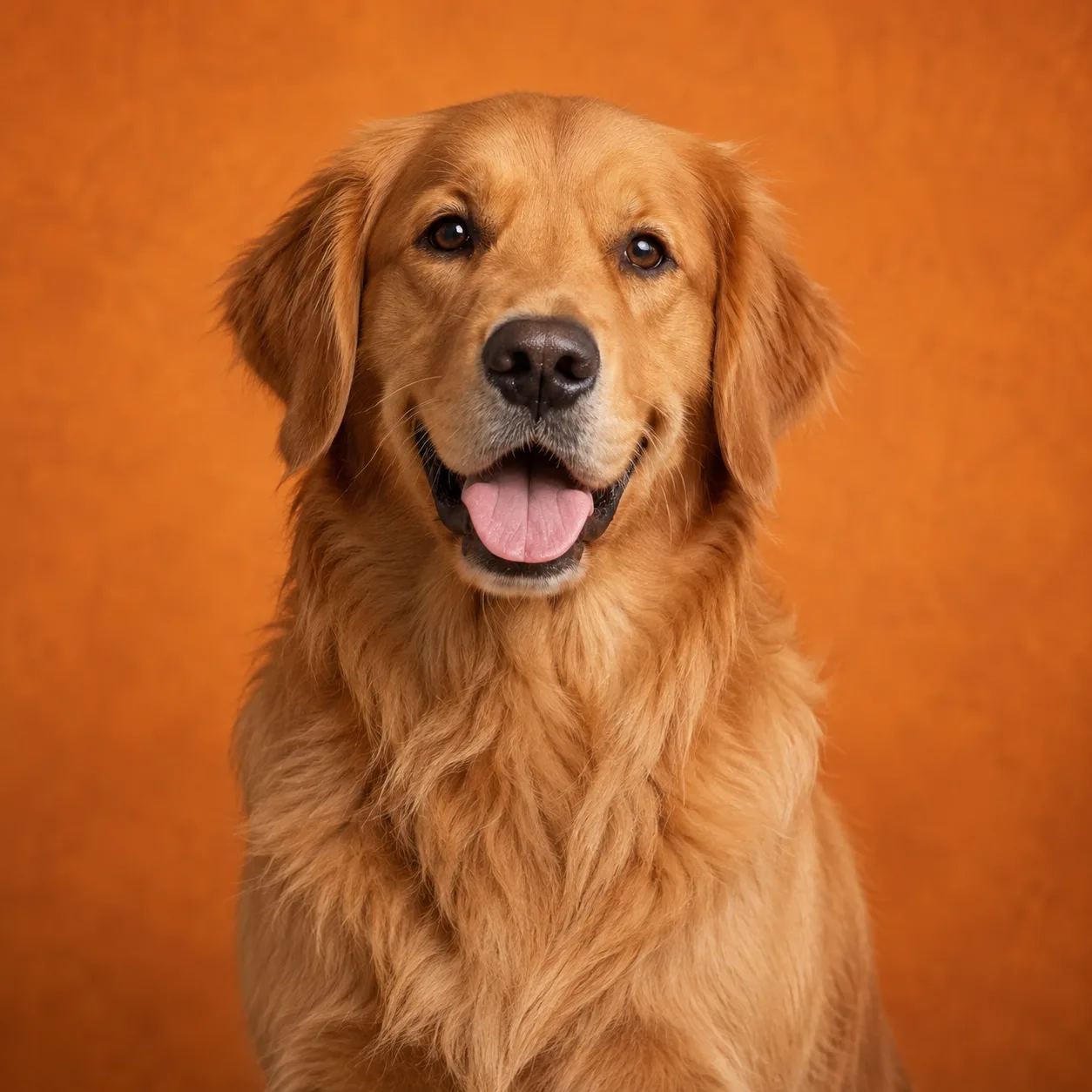
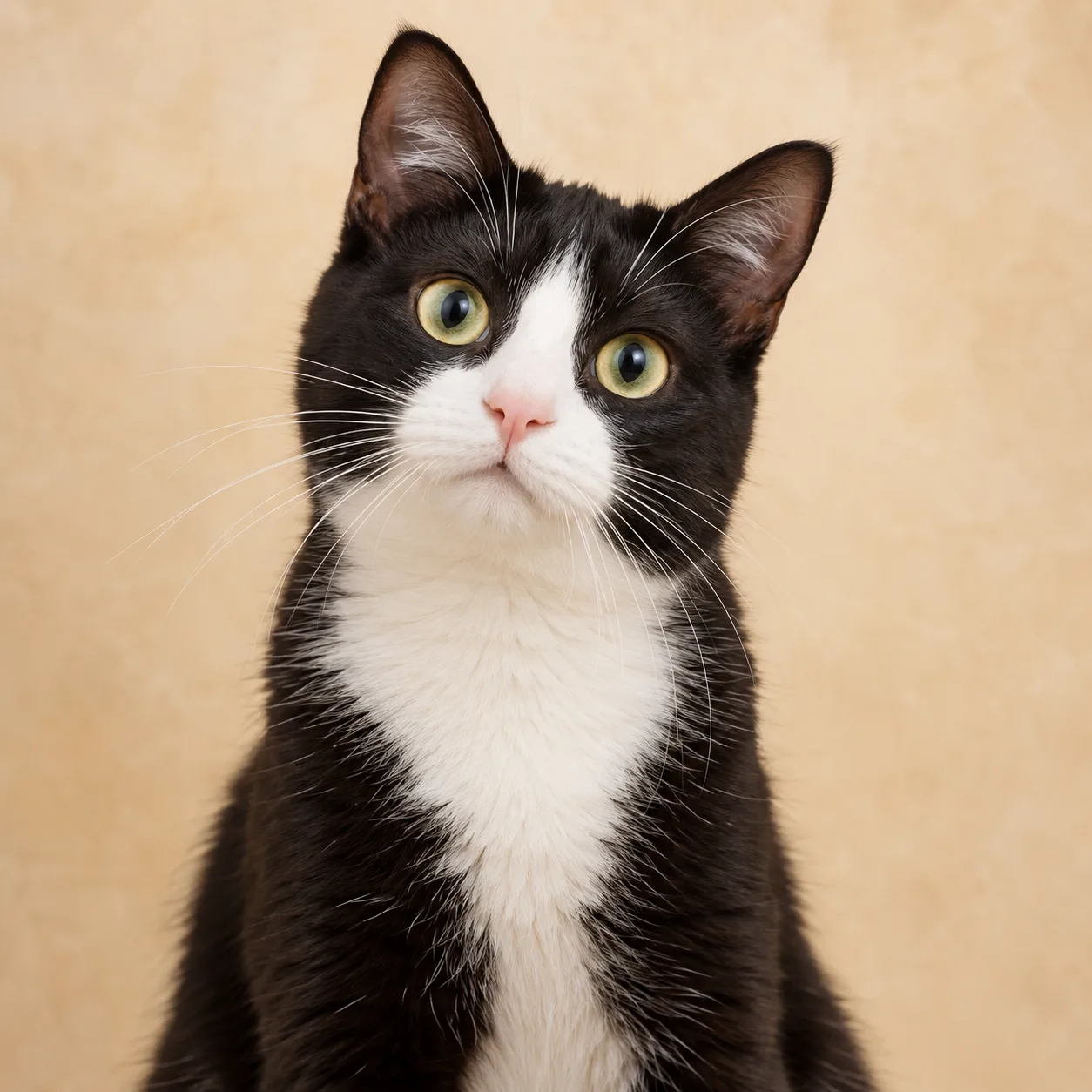
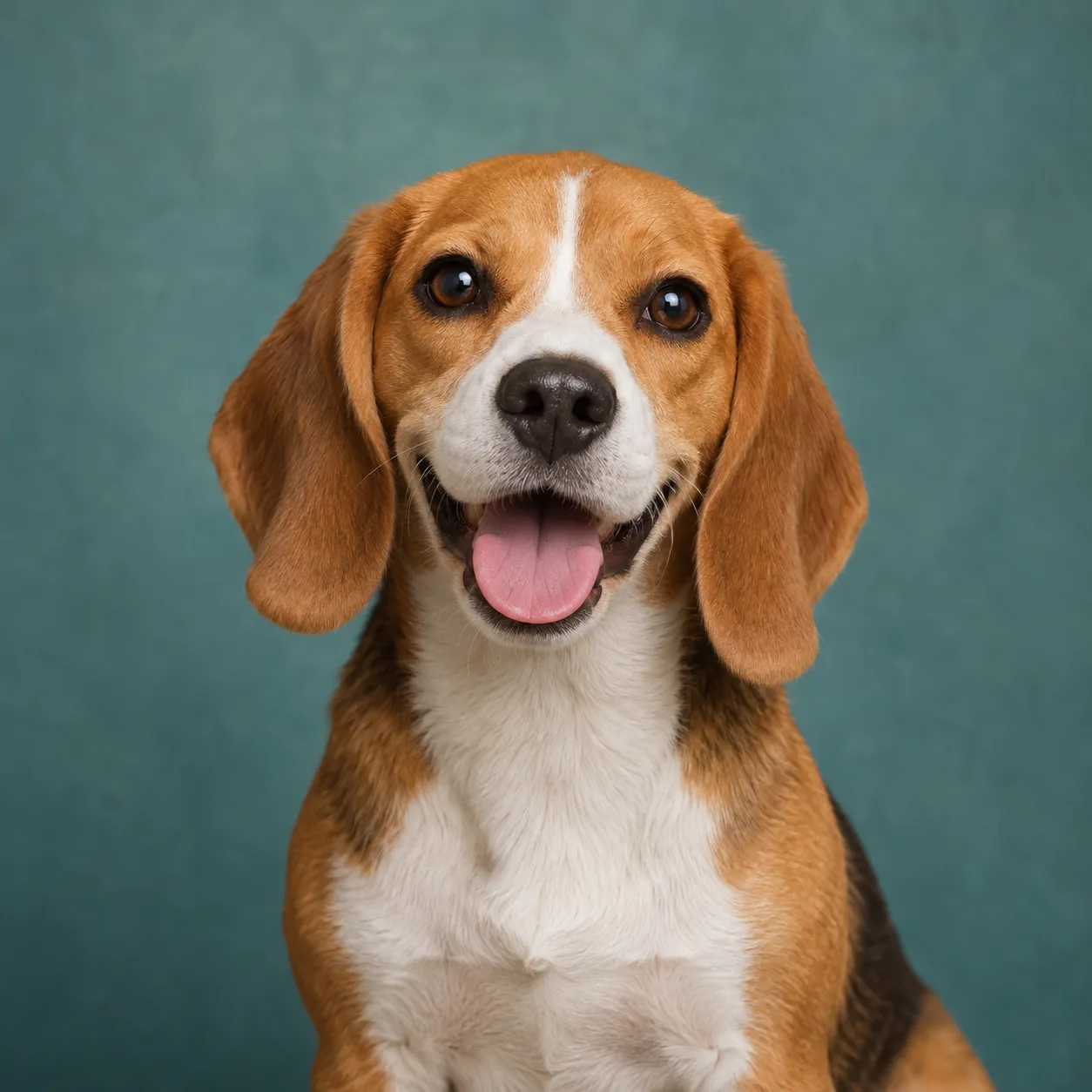
The source cards below use pet portrait references so the idea is easy to picture. The adjacent videos are workflow references from the studio library, not claims that these pet photos appear in those performances; the workflow does not promise an exact identity, voice, gesture, or animal movement from every source.

For a people-first rap performance, see AI Rap Generator.
A dog and cat concept pair first pet source imageA dog and cat concept pair second pet source image
Two pet source images

A dog and cat concept pair

A cheerful companion duo first pet source imageA cheerful companion duo second pet source image
Two pet source images

A cheerful companion duo

Pet source image paired with a rap audio reference
Source image plus a rap reference

Let the reference set the rhythm

Use media you own or have permission to edit when the beat and timing matter to the Pet Rap Video idea.

FROM PET PHOTO TO PERFORMANCE

Build a Pet Rap Video in three steps

Pet photo
Scene partner
01

Choose the two subjects

Upload a clear pet image and a second approved source, or select both subjects from a group photo. Confirm the positions and roles before directing the rap scene.

Rap direction
BeatBackdrop

Choose the section

02

Add the beat or reference

Use the built-in setup, upload a rap recording, or bring a short video reference. Preview the section that should guide timing, then add notes for the pet's personality and setting.

MP4
03

Review, refine, and export

Watch the preview, revise the direction when the timing needs another take, then trim or combine the finished scene and export your Pet Rap Video as an MP4.

Pet Rap Video works in a current phone or desktop browser. Use permissioned source material and return to the saved project while the render is processing.

MAKE THE PERSONALITY READ

A focused reference gives the scene room

Choose source images where the pet or scene partner is visible and easy to frame. A steady reference with one clear beat is easier to review than a crowded clip with cuts, hidden subjects, or competing gestures.

Keep the written direction about the character of the moment: a proud entrance, a sleepy boast, a kitchen cypher, or a playful challenge. The reference supplies the timing; your notes shape the story around the pet.
DIRECT THE WHOLE CLIP

Keep the joke, control the details

Shape the pet scene

Choose the pair behind the punchline
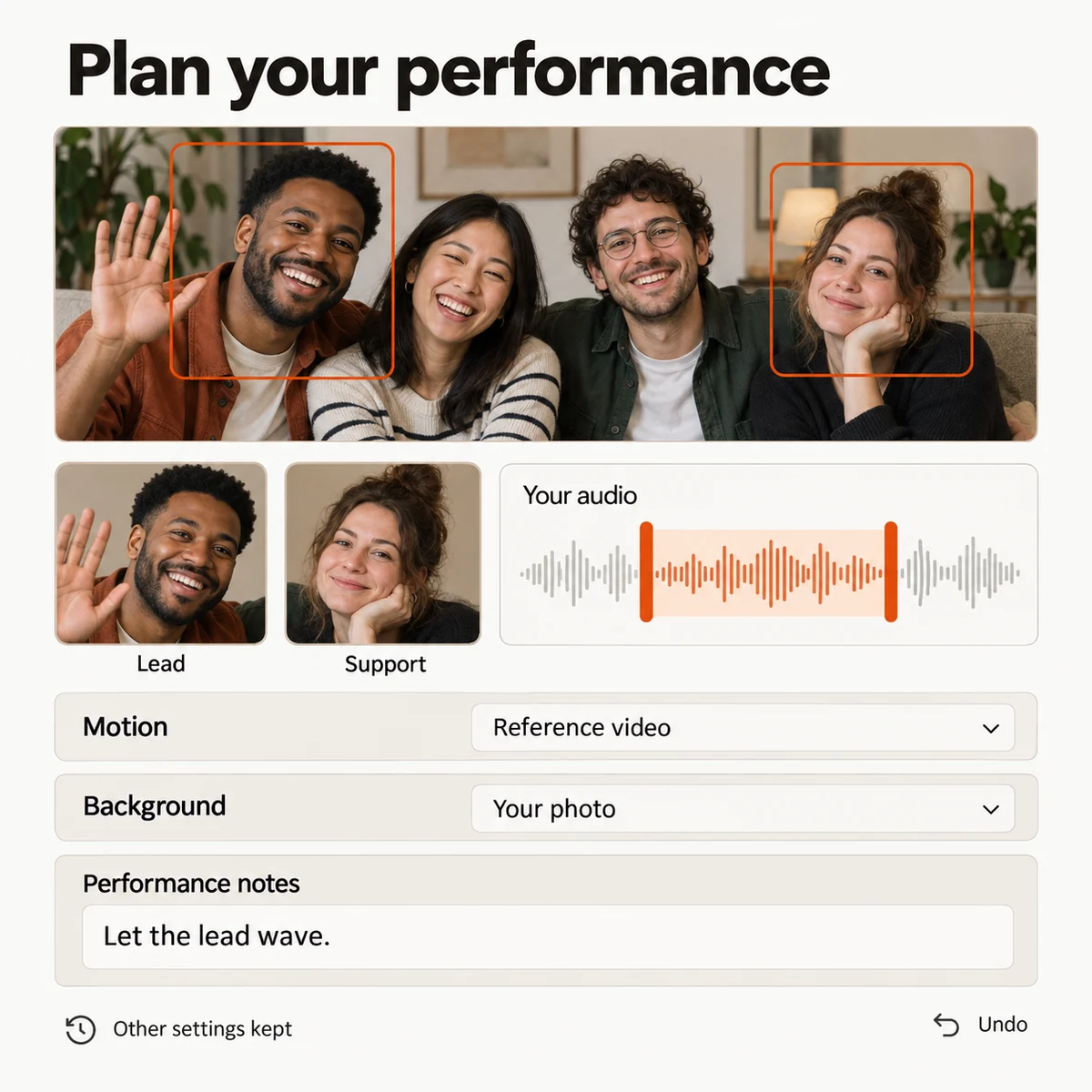
Upload a pet portrait and a second approved image, or select two subjects from a group photo. Set the left and right positions so the visual joke has a clear cast from the first frame.
Give the rap scene a direction
Use the built-in Hotel Lobby setup, a short movement reference, or your own recording. Pick a section with a clear beat and keep the pet, person, or second animal visible throughout.
Set the attitude around the subject
Choose the background and sound separately from the source image. Add notes for a confident strut, a living-room cypher, a birthday entrance, or the playful mood you want to share.
Keep the take that fits your pet
Save a setup before changing the cast, reference section, or direction. Compare another take, restore the earlier arrangement, and keep the version that feels most like the moment you want to remember.
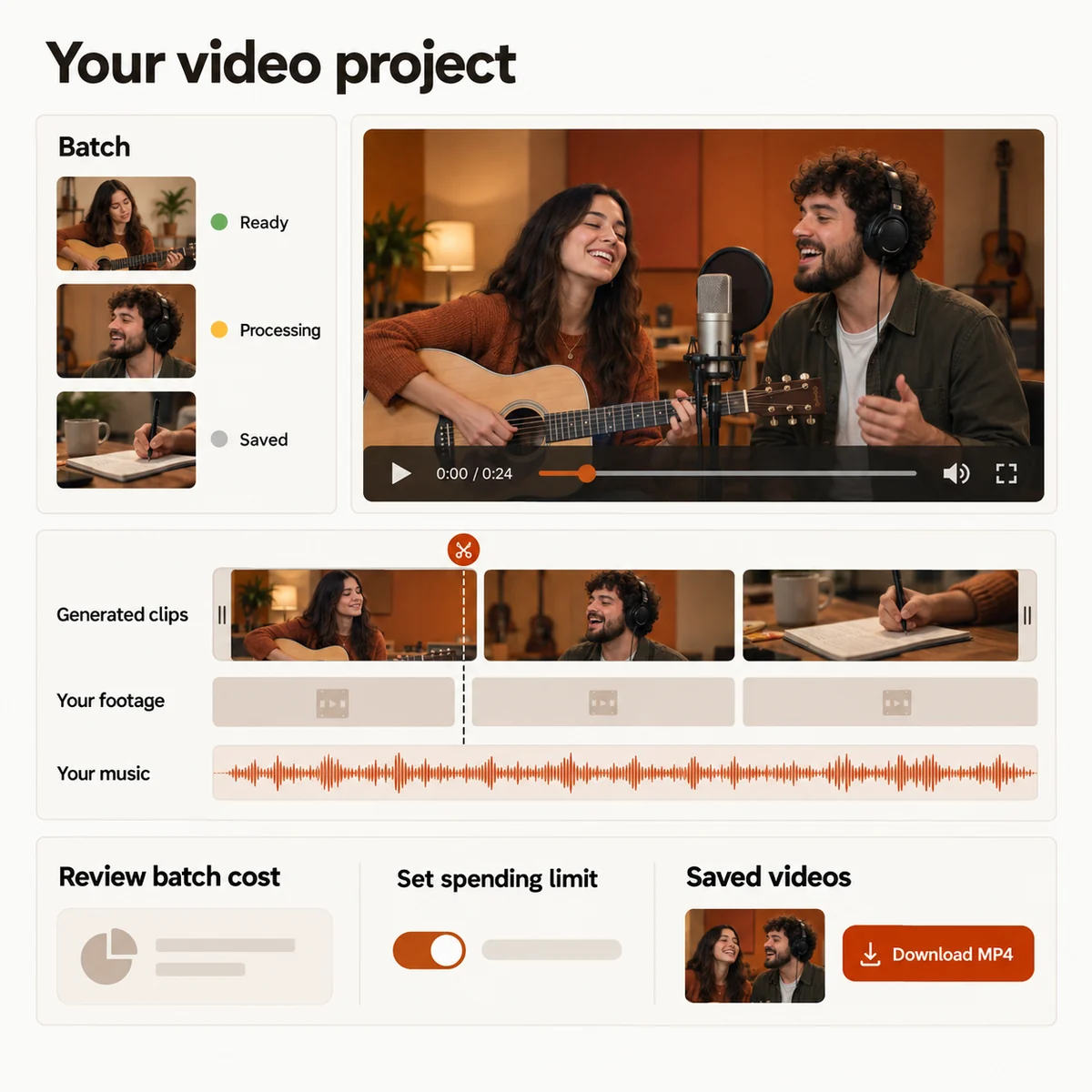
Pet Rap Video setup with two selected subjects, role controls, reference direction, background settings, and saved scene options.
Pet video studio preview

Turn the take into a pet story

Make a set of pet cameos
Prepare short scenes for different pets, owners, or family members. Reuse the overall direction while changing the images, reference section, and background for each cameo.
Turn one joke into a pet montage
Place the generated rap scene beside phone footage, adoption-day photos, captions, and music on one timeline. Reorder clips, trim pauses, mute sections, and export the finished MP4.
Check the cost before you submit
Review how the selected model, duration, resolution, aspect ratio, and batch size affect the credit estimate. Set the direction before requesting a paid generation.
Keep every version easy to find
Follow each render from submission to result. Reopen a saved arrangement, inspect completed previews, and retry one pet scene without rebuilding the rest of the project.
Pet rap video timeline with generated scenes, pet footage, music, budget controls, and MP4 export.
Pet video studio preview
PICK THE PET STORY

Four ways to use Pet Rap Video

01

A pet and owner call-and-response

Pair a pet portrait with an owner's photo and use a short verse or movement reference to frame a playful back-and-forth for the next group chat.

02

Two pets, one tiny cypher

Give two approved pet photos a shared stage, choose who leads the scene, and build a short clip around the personalities your household already knows.

03

A funny adoption-day message

Use a recording, a caption, or a reference performance to turn a first-day photo into a rap greeting that feels made for one rescued companion.

04

A highlight reel with a final verse

Create the Pet Rap Video scene, then combine it with walks, tricks, naps, and favorite photos to make a longer story for the people who love your pet.

YOUR NEXT PERFORMANCE

Pet Rap Video plans

Choose a credit plan for the pet scenes you want to create. The studio shows the estimated cost for your selected duration and quality before you submit.

  • MP4 downloads
  • No preview watermark
  • See credit costs before generating

Loading plans…

One-time credit packs

Pay once. Create at your own pace. Credits never expire.

Loading credit packs…

Video counts and per-video prices are based on Standard · 720p · 12s (10 credits).

Secure checkout by Stripe · Packs never expire · Subscriptions renew until canceled

What a video costs

Credits per 12-second video. Length scales the price, rounded up to a whole credit. All formats cost the same.

Video credits by model and resolution, per 12 seconds
Model480p720p1080p
StandardSeedance 2.0 Mini5 credits10 credits—
FastSeedance 2.0 Fast8 credits17 credits—
ProSeedance 2.010 credits20 credits50 credits
UltraSeedance 2.517 credits37 credits93 credits
PUT YOUR PET IN THE SPOTLIGHT

Make a pet moment worth replaying

Choose the two subjects, add a permissioned rap reference, and shape a Pet Rap Video around the personality you want to share.
Pet Rap Video Maker | Turn Pet Photos into a Rap Scene