Skip to content

Rap Maker

Turn two portraits or a group photo into a rap performance with a point of view. Bring a verse or hook you recorded, choose the cast, and direct the scene before you review the take.

Add your photos

Choose clear, well-lit portraits. The two photos can be taken separately.

Upload photoLeft performer
Upload photoRight performer

Drag and drop, or click to choose.

JPG, PNG or WebP · up to 10 MB each
Standard · 720p · 10s · 9:16Change model, resolution, length or format9 credits
Quality and length
Model
Resolution
Length
Format

Credits are confirmed before generation. All formats cost the same.

Upload two photos to continue.

This video: 9 credits ·

By creating, you confirm you have permission to use both photos. Terms of Service

Example video

Want the full video?

  • Your full performance, at your chosen quality
  • No watermark — download and share
  • Pay once, or subscribe for more videos — your choice

Loading plans…

Video counts are based on Standard · 720p · 12s (10 credits).

FIND THE FLOW

A Rap Maker starts with a moment worth hearing

Rap Maker turns familiar faces and a selected passage into a short visual performance. Start with two performers, choose the sound that sets the pace, and give the scene a point of view before you generate.

Use the examples below to plan your own take: a pair can share a cypher, a supplied recording can carry the hook, and several small scenes can grow into a complete music edit. The references show the workflow; they do not promise automatically written lyrics or an exact performance.
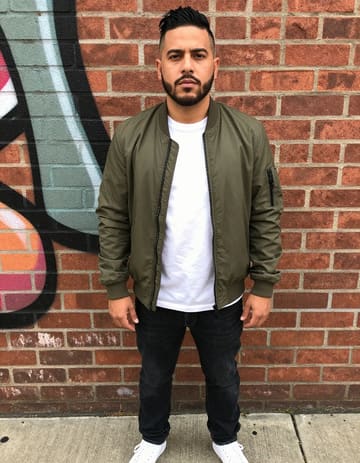
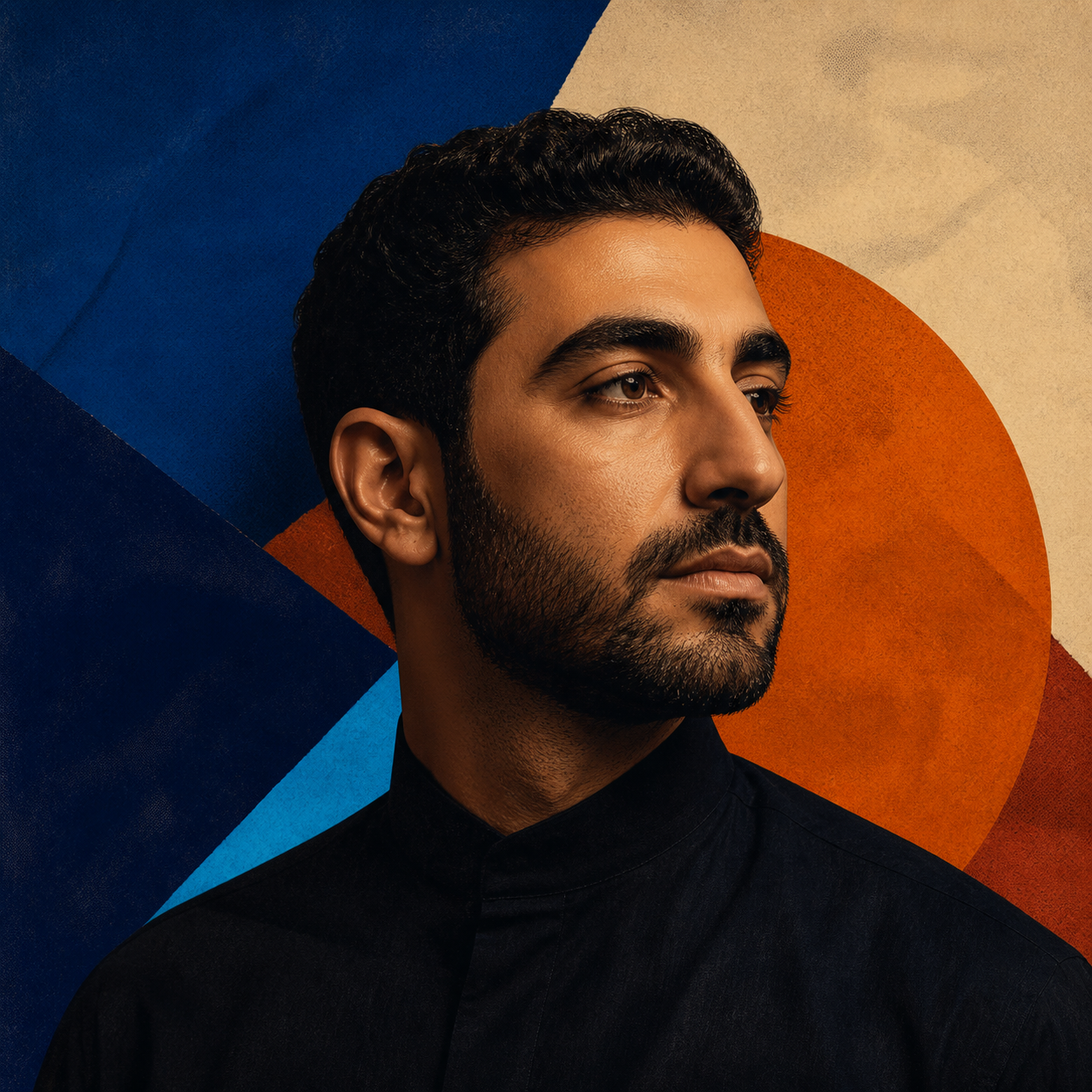
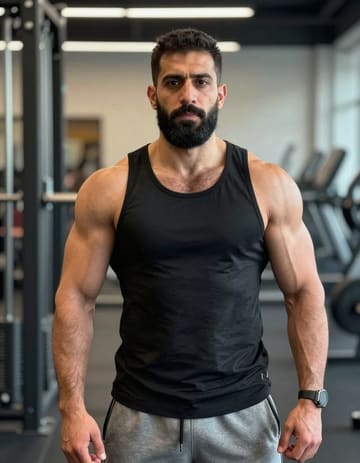
Two friends in one cypher first performer portraitTwo friends in one cypher second performer portrait
Two source portraits

Two friends in one cypher

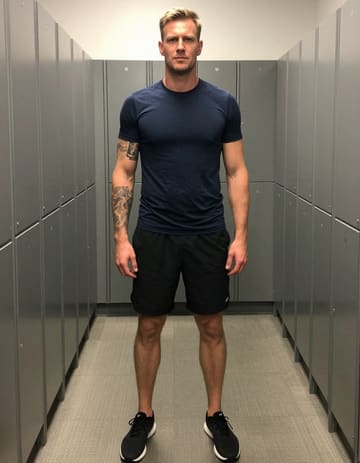
A duet with a shared point of view first performer portraitA duet with a shared point of view second performer portrait
Two source portraits

A duet with a shared point of view

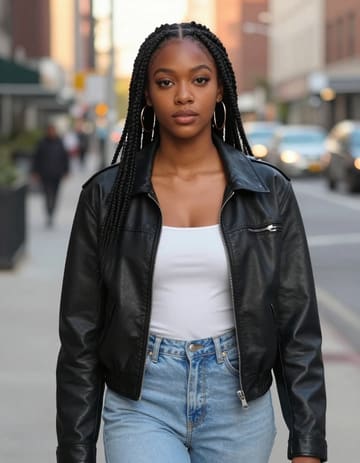
Artwork used for a Rap Maker audio reference
Portrait plus your recording

Let the recording set the pocket

Listen to the reference recording
FROM BAR TO TAKE

Make a rap video in three focused passes

Two performers
A verse or hook
01

Choose the cast and passage

Upload two portraits or select two people from a group photo. Add the recorded section that should guide the performance, then set the lead and support positions.

Rap direction
MovementBackdrop

Review the first take

02

Direct the feeling around the bars

Describe the attitude, lighting, props, and setting. Choose the motion reference and background separately so the scene supports the sound instead of competing with it.

MP4
03

Keep the cut that lands

Review the preview, adjust the setup when needed, then trim, mute, or combine the finished scene with your own footage before exporting the MP4.

Rap Maker works in a current phone or desktop browser. Prepare the scene on one device and return to the saved project while the render is processing.
DIRECT THE RECORD

Keep the sound in charge of the picture

Shape the performance before it renders

Start with the people in the bar
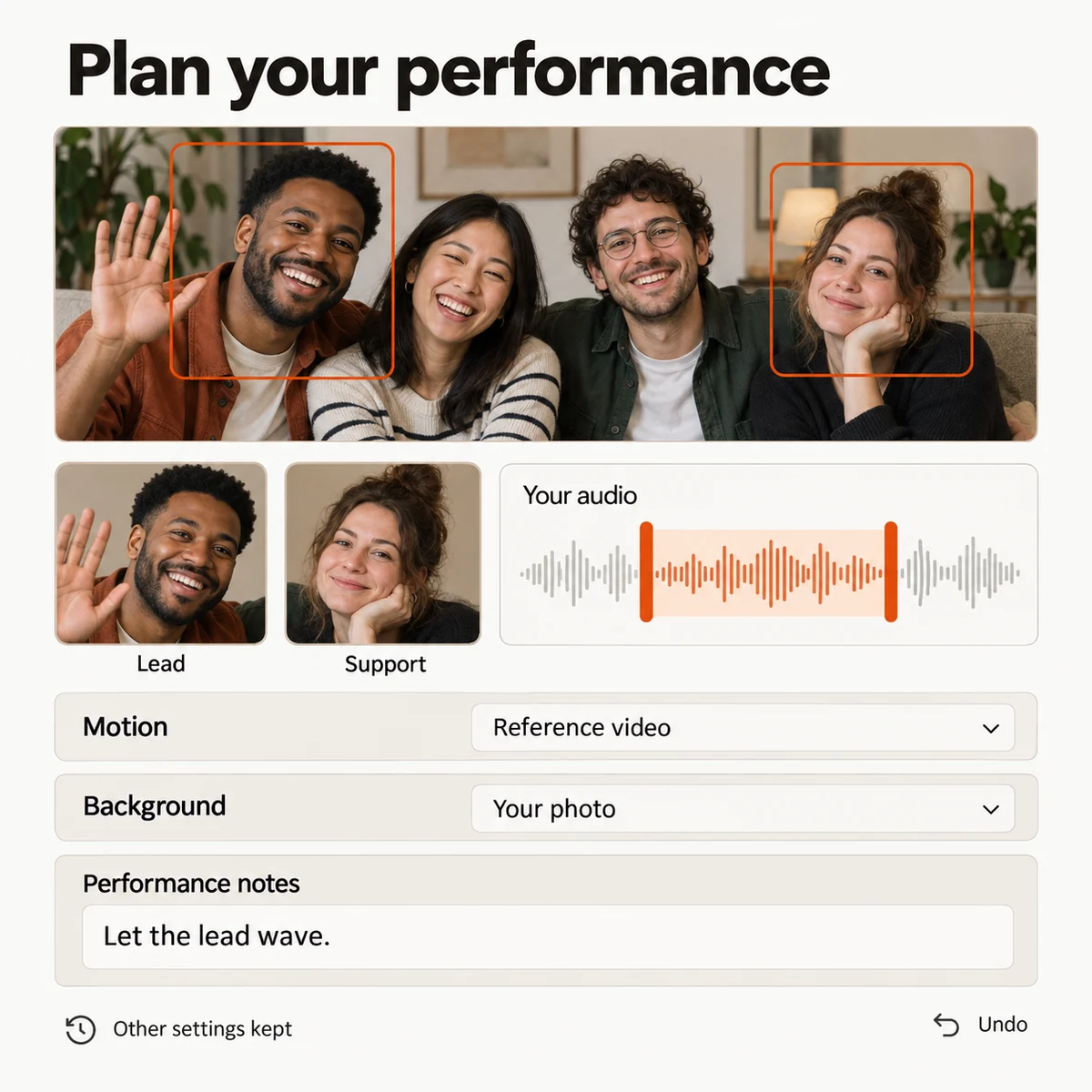
Choose two separate portraits or select two faces from one group photo. Assign the lead and support roles, place each person on the side you want, and save the cast before you shape the scene.
Choose the sound that sets the pace
Use the built-in studio direction for a quick starting point, or upload a rap demo, hook, spoken intro, or song section you created. Select the passage that should carry the performance.
Write the visual brief
Describe the attitude, movement, backdrop, props, and lighting around the verse. Keep the audio, motion reference, and background choices independent so you can adjust one part without rebuilding the whole setup.
Keep the take worth returning to
Review a preview before committing to the final result. Save the arrangement that works, try a different reference or role, and return to the stronger version when the next take is ready.
Rap Maker setup with selected performers, a sound reference, scene controls, and saved settings.
Studio preview

Build the release around the strongest scene

Turn one verse into a sequence
Create an opening, a hook, and a response as separate short scenes. Reuse the same performers while changing the direction for each part of the story.
Bring generated clips beside real footage
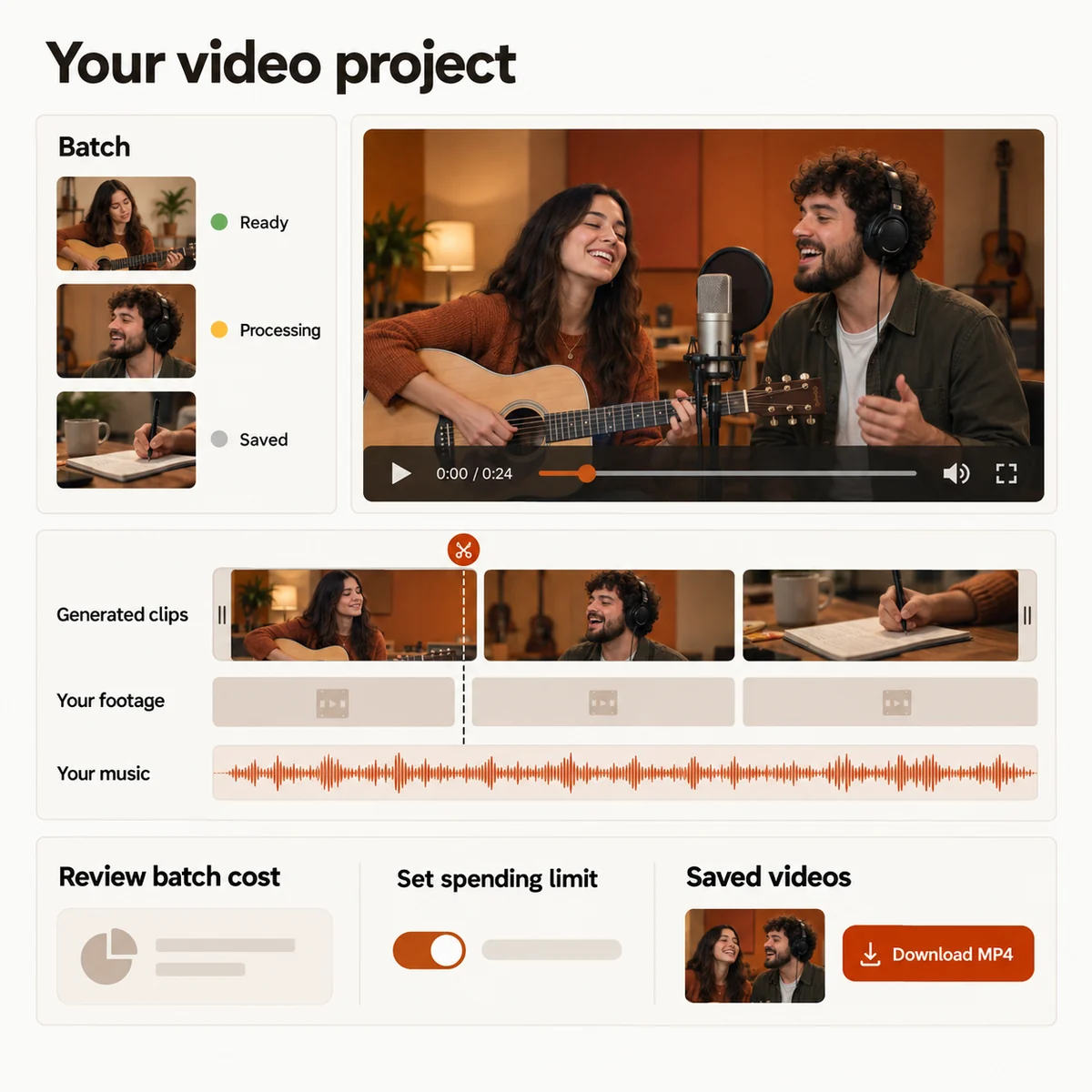
Place your rap performances next to rehearsal shots, street footage, or a phone recording on one timeline. Reorder moments, trim pauses, and mute any section before export.
See the cost before the render
The studio updates the credit estimate as you change duration, quality, and batch size. Check the total before submitting the next scene.
Follow every version
Track the render from submission to result, reopen saved settings, and keep the takes that fit your release plan in the project history.
Rap Maker edit timeline with generated scenes, personal footage, music controls, a credit estimate, and MP4 export.
Studio preview
PICK YOUR NEXT TAKE

Four ways to put Rap Maker to work

01

Give a chorus a visual identity

Record the part listeners should remember, pair it with two performer portraits, and build a short visual hook for a track announcement or social cut.

02

Make a two-person cypher

Set one performer as the lead and the other as support, then use the scene direction to turn a shared photo into a focused back-and-forth moment.

03

Build a personal rap message

Use a spoken dedication or birthday verse as the audio reference, then place the people who give the message its meaning in the frame.

04

Add a scene to your music video

Generate one performance, combine it with footage you already shot, and shape a complete edit around the track instead of starting over from scratch.

YOUR RECORDING, YOUR POCKET

Pick the part that should lead the picture

Choose a hook when you want an immediate introduction, a verse when the writing needs room, or a spoken intro when the message matters more than the rhyme. Listen to the selected section before you send it to the studio.

If your idea is still on the page, record it first. Adding music to a finished video is a separate editing step: it supplies a soundtrack for the footage already made and does not regenerate mouth movements for a different verse.

A short, clearly recorded passage gives the scene a stronger point of entry than a track with no selected beginning or end.

YOUR NEXT PERFORMANCE

Rap Maker plans

Choose a credit plan for the next scene. The studio shows the estimated cost for your selected duration and quality before you submit.

  • MP4 downloads
  • No preview watermark
  • See credit costs before generating

Loading plans…

One-time credit packs

Pay once. Create at your own pace. Credits never expire.

Loading credit packs…

Video counts and per-video prices are based on Standard · 720p · 12s (10 credits).

Secure checkout by Stripe · Packs never expire · Subscriptions renew until canceled

What a video costs

Credits per 12-second video. Length scales the price, rounded up to a whole credit. All formats cost the same.

Video credits by model and resolution, per 12 seconds
Model480p720p1080p
StandardSeedance 2.0 Mini5 credits10 credits—
FastSeedance 2.0 Fast8 credits17 credits—
ProSeedance 2.010 credits20 credits50 credits
UltraSeedance 2.517 credits37 credits93 credits
MAKE THE NEXT TAKE COUNT

Give your bars a scene with a point of view

Bring the performers, choose the passage, and shape the visual take before you decide how it fits into the final edit.
Rap Maker: Turn Your Photos and Bars into a Rap Video