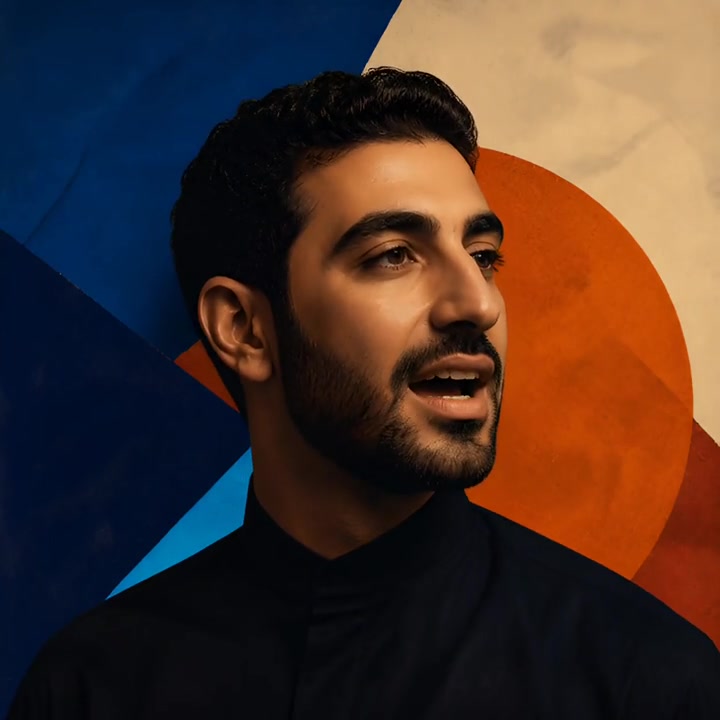
Voice
A verse, hook, or spoken entrance you created.
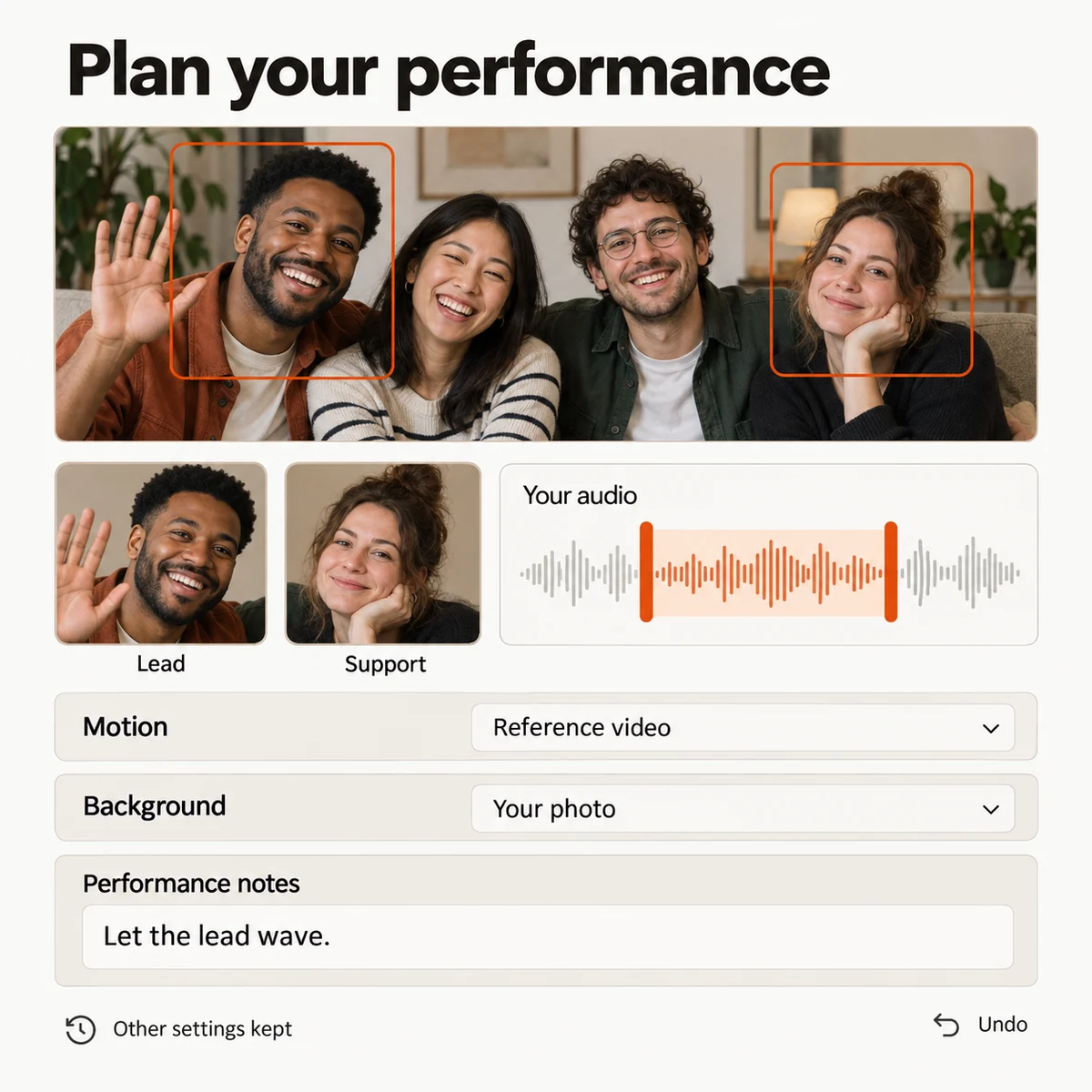
Put a recorded rap in front of the camera. Upload two portraits or select two people from a group photo, then choose the voice, roles, and scene for your performance video.
Loading plans…
Video counts are based on Standard · 720p · 12s (10 credits).
AI Rapper is for the moment when the bars already exist but the video still needs a performer. Bring two portraits, a recording or reference, and a short direction into the studio to shape a face-forward take.
The name describes the visual workflow, not an automatic lyric writer. Record the voice you want to hear, choose the passage that carries the idea, and let the project keep the delivery attached to the people on screen.
Use AI Rapper when the voice or bars already exist and the next job is putting a performer on screen. If you want to begin with a broader song-to-video setup, continue with the AI Rap Generator workflow instead.
A verse, hook, or spoken entrance you created.
Two portraits or two people from one group photo.
Movement, setting, and the attitude behind the take.
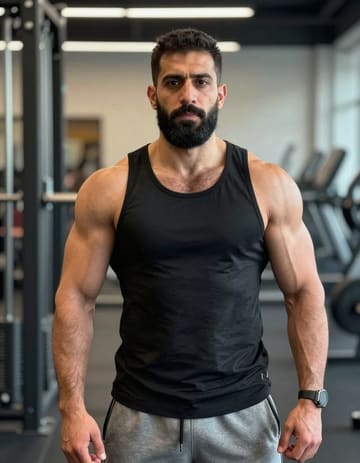
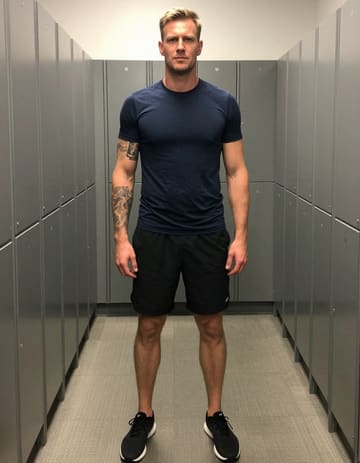
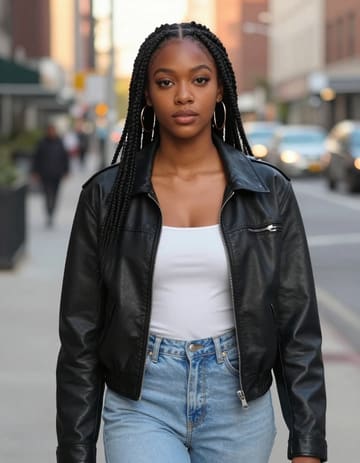
Upload a recording you made or choose a supplied reference. Select a section with a clear start and finish so the visual has a natural entrance.
Set the scene
Upload two portraits or choose two people in a group photo. Assign the roles, add movement and background notes, and keep the visual close to the delivery.
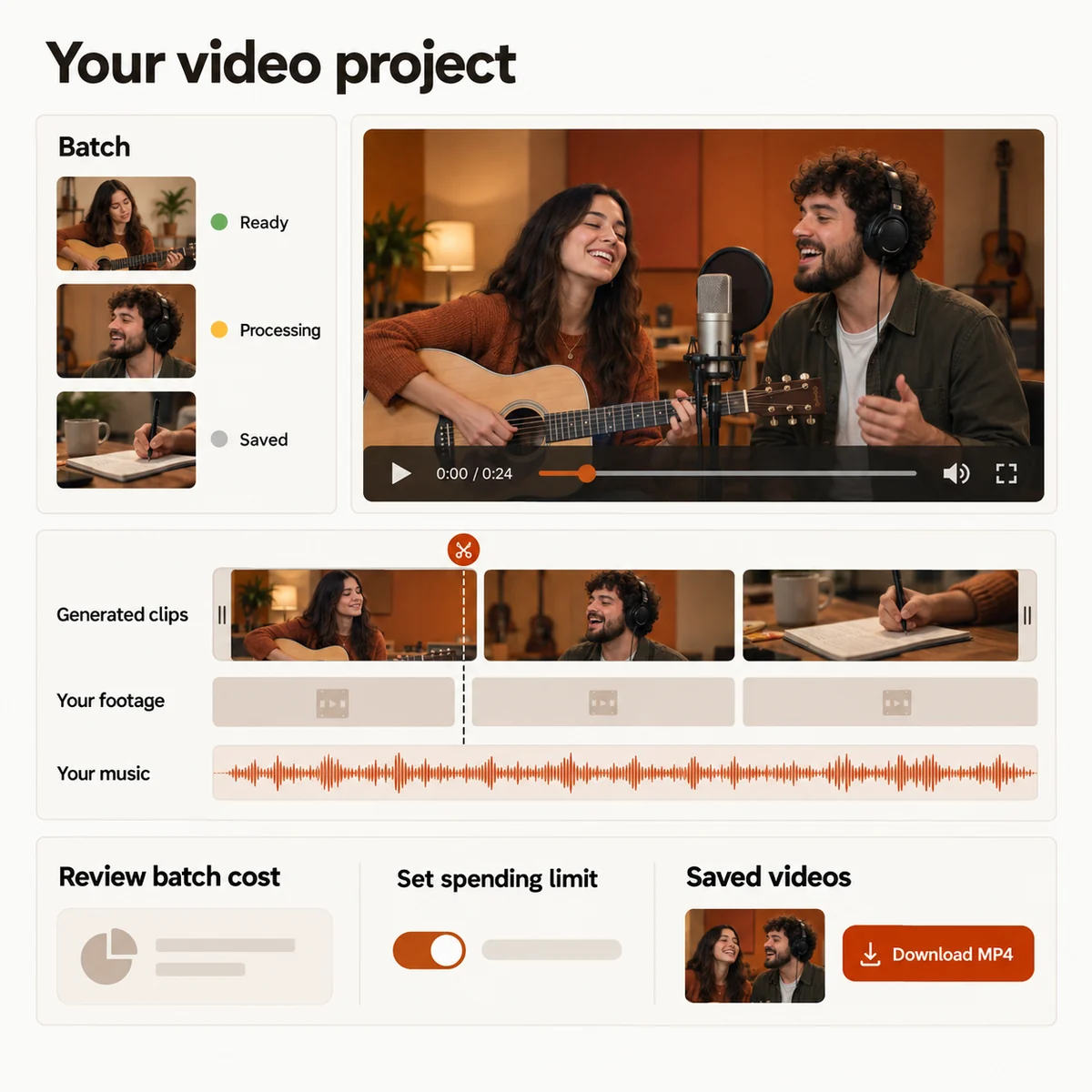
Review the preview, make another take when the direction needs work, then trim or combine the finished scenes and export the MP4.
AI Rapper works in a phone or desktop browser. The project keeps its saved settings while the video renders in the cloud.
A hook can introduce a release, a verse can establish the artist, and a spoken line can give a personal clip its reason to exist. Listen for the section that makes sense without a long explanation before you send it to the studio.
If the bars only live on paper, record them first. The audio is the source for the delivery; later editing can add music, footage, and pauses around the performance without rewriting the voice.
Choose the line people should remember, then give it a face-forward visual introduction for a social post or release announcement.
Use two portraits and a recorded freestyle to turn a raw idea into a short performance you can send before the full track is finished.
Pair a spoken message or birthday verse with photos of the people in it, then keep the tone playful or sincere through your direction.
Place a generated performance next to your own camera footage, arrange the story, and export a social cut with a consistent visual thread.
Choose a credit plan when you are ready to turn your recording into a performance video. The studio shows the estimate for your selected duration and quality before you submit.
Loading plans…
Pay once. Create at your own pace. Credits never expire.
Loading credit packs…
Video counts and per-video prices are based on Standard · 720p · 12s (10 credits).
Secure checkout by Stripe · Packs never expire · Subscriptions renew until canceled
Credits per 12-second video. Length scales the price, rounded up to a whole credit. All formats cost the same.
| Model | 480p | 720p | 1080p |
|---|---|---|---|
| StandardSeedance 2.0 Mini | 5 credits | 10 credits | — |
| FastSeedance 2.0 Fast | 8 credits | 17 credits | — |
| ProSeedance 2.0 | 10 credits | 20 credits | 50 credits |
| UltraSeedance 2.5 | 17 credits | 37 credits | 93 credits |
Bring the recording, choose the cast, and shape a rapper video that gives your next release a visual entrance.